Think of an AI chatbot as your new secret weapon—a digital team member that never sleeps. It’s your 24/7 front-line representative, handling customer questions, snagging leads while you’re offline, and offering instant help. This isn’t some far-off tech for mega-corporations anymore; it’s a practical, accessible tool that gives small businesses a serious edge.
The Modern Small Business AI Chatbot Advantage
For a small business owner, wearing multiple hats is just part of the job. You’re juggling customer service, marketing, sales, and a dozen other daily tasks. An AI chatbot steps in as your first line of defense, making sure no customer is left hanging and no potential lead slips through the cracks just because it’s after hours.
Picture a super-efficient assistant who’s always on, always polite, and never needs a coffee break. That’s what you get. While you’re deep in focus mode or meeting with a client, your chatbot is on your website, greeting every single visitor and instantly answering their most common questions.
Why This Is a Game-Changer
This is about much more than just convenience—it’s about real, measurable results for your business. When you automate those initial, repetitive conversations, you make a direct impact on three crucial areas:
- Saving Precious Time: Your team is freed from the endless cycle of answering questions like “What are your hours?” or “Do you have this in stock?”
- Cutting Operational Costs: You can offer round-the-clock support without the significant expense of hiring a 24/7 customer service team.
- Boosting Lead Generation: The chatbot engages visitors the moment they land on your site, grabbing contact info from interested prospects before they have a chance to leave.
This isn’t just a niche trend. The numbers show that 58% of small businesses are already using generative AI tools, a figure that has more than doubled since just 2023. An AI chatbot is a key piece of this efficiency puzzle, often working hand-in-hand with other tools. To see how it fits into the bigger picture, it’s worth exploring a guide to small business marketing automation.
Here’s a quick look at the immediate value a chatbot can bring to your business.
Immediate Chatbot Wins for Your Small Business
| Benefit Area | How a Chatbot Delivers |
|---|---|
| Customer Service | Provides instant answers to common questions, 24/7, reducing wait times and improving satisfaction. |
| Lead Generation | Proactively engages website visitors, qualifies leads, and captures contact information before they leave your site. |
| Time & Cost Savings | Automates repetitive tasks, freeing up your team to focus on complex issues and high-value work. |
Ultimately, it’s about plugging the leaks in your customer acquisition funnel.
For a small business owner, every missed call or delayed email response can be a lost opportunity. An AI chatbot closes that gap, ensuring every website visitor gets an immediate, helpful interaction, turning passive browsers into qualified leads.
How Chatbots Drive Real Business Growth
It’s easy to think of an AI chatbot as just another tech gadget, but for a small business, it’s a serious tool for growth. When you get down to it, these digital assistants have a direct impact on your bottom line by tackling three key areas: making customers happier, making your daily operations smoother, and bringing in more sales.
Let’s ditch the theory and look at what this actually means for your business day-to-day. Each of these areas delivers real, measurable improvements that lead to a stronger, more profitable company.
Elevate the Customer Experience with 24/7 Support
Your customers operate on their own schedule, not just from 9 to 5. An AI chatbot provides instant, 24/7 support, answering questions about your hours, services, or return policies the second someone asks. This immediate response is a huge win for customer satisfaction.
Think about it. Instead of getting a busy signal or waiting hours for an email back, customers get the help they need on the spot. That kind of responsiveness builds incredible trust and loyalty, making them far more likely to stick with you over a competitor. A great first interaction really does set the stage for everything that follows.
This isn’t just a hunch; it’s how people behave. Research shows that 62% of consumers would rather use a chatbot than wait for a human agent to become available. If you want to dig deeper into this, check out our complete guide to adding a chatbot for your website.
Streamline Operations and Free Up Your Team
How much of your team’s day is spent on repeat questions? Answering the same FAQs, scheduling appointments, and checking on orders can eat up hours that could be spent on more important work. An AI chatbot handles these routine tasks flawlessly.
Imagine a local dental clinic. A chatbot can:
- Answer questions about which insurance plans are accepted.
- Check for open appointment times in real-time.
- Schedule a new patient’s first cleaning right from the website.
This kind of automation frees up your office staff to focus on what humans do best: providing great in-person care, handling complex patient issues, and managing billing. It’s like hiring an assistant who works around the clock and never makes a mistake.
Accelerate Sales and Qualify Leads Instantly
This is where a chatbot really shines. It’s not just a support tool; it’s your tireless sales assistant. Instead of waiting for a visitor to hopefully find and fill out a contact form, the bot actively engages them the moment they land on your site.
By asking the right questions, an AI chatbot for small business can qualify leads on the spot. It quickly figures out who is a serious buyer and who is just browsing by gathering details about their needs, budget, and timeline. This means that by the time a lead reaches your sales team, they are already warmed up and ready for a real conversation.
A chatbot turns your website from a static brochure into a dynamic sales machine. It engages visitors, qualifies prospects, and moves them along, converting passive traffic into a steady flow of high-quality leads.
This proactive approach stops potential customers from clicking away, giving your conversion rates a major boost and driving revenue long after you’ve closed for the day.
Essential Chatbot Features for Small Business
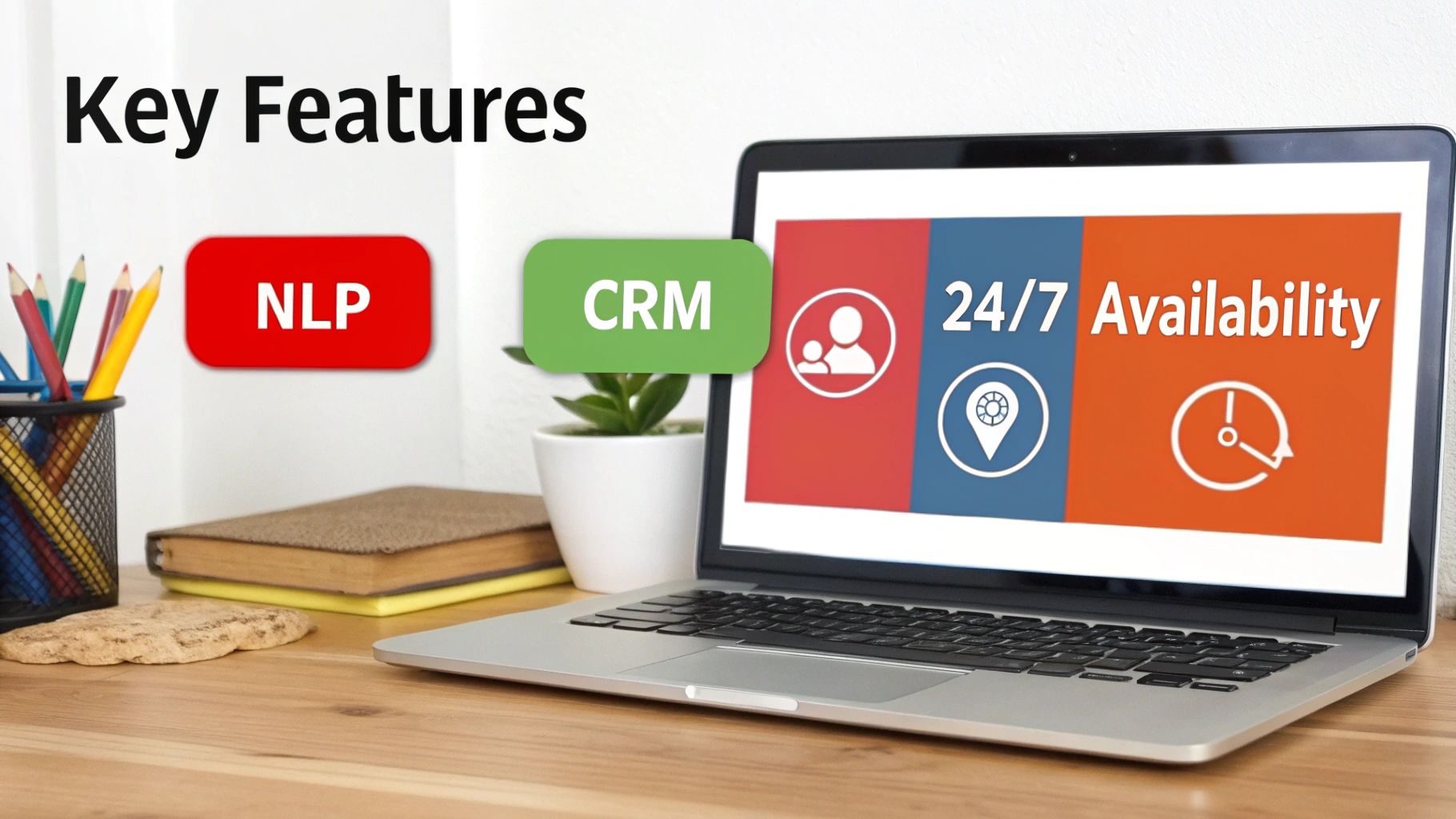
Not all chatbots are built the same. For a small business, picking one with the right features is what separates a helpful assistant from a frustrating gimmick. The best chatbots blend smart tech with practical tools that actually solve your day-to-day problems. Let’s cut through the jargon and get straight to what you really need.
The engine behind any truly useful AI chatbot for small business is something called Natural Language Processing (NLP). Think of NLP as the bot’s ability to understand context, not just words. It’s the difference between a bot that gets confused and one that can figure out that “How much for delivery?” and “What are your shipping fees?” are asking the exact same thing.
This is what makes the conversation feel human and helpful. Without solid NLP, your chatbot is basically just a glorified FAQ page.
Core Functionalities You Cannot Skip
A great chatbot does more than just chat. It needs to be a workhorse, automating tasks and making your life easier. These are the non-negotiables that will actually give you a return on your investment.
- 24/7 Availability: This one’s a given, but it’s huge. Your chatbot is your always-on employee, catching inquiries and helping customers after you’ve clocked out for the night, on weekends, and even on holidays.
- Automated Lead Capture: A smart chatbot is an active part of your sales funnel. It should know when and how to ask for contact information—like a name, email, or phone number—turning a simple conversation into a warm lead.
- Seamless CRM Integration: This is the magic connector. When your chatbot captures a lead, it should instantly and automatically push that information into your CRM. This simple step ensures no lead ever gets lost in a random spreadsheet or forgotten in an inbox.
CRM integration transforms your chatbot from a simple Q&A tool into an automated lead generation machine. Every conversation with a qualified prospect instantly becomes an actionable task for your sales team, closing the loop between initial interest and follow-up.
Customization and Ease of Use
Finally, the best tool is the one your team will actually use. You shouldn’t need a computer science degree to make changes. Look for a chatbot with a user-friendly dashboard that lets you tweak conversation scripts, adjust the bot’s tone to match your brand, and define what information it needs to collect.
The ability to easily learn how to make a chatbot that fits your specific business goals is what makes this technology so powerful for a small business. You need a solution that puts you in the driver’s seat.
Choosing the Right AI Chatbot for Your Business
Picking the right AI chatbot for your business can feel like a huge task, but it doesn’t have to be. It really just comes down to what you need, what your budget looks like, and what you’re trying to achieve. The best bot for a small business isn’t always the one with the most bells and whistles; it’s the one that solves your problems without creating new ones.
Think of it like buying your first work vehicle. A freelance photographer just needs a reliable car to get to shoots. But a catering company needs a van—or even a fleet of them—to handle deliveries. You have to match the tool to the job. The first step is taking an honest look at your team’s technical skills and how much time you can realistically dedicate to this.
No-Code Simplicity vs. Custom Control
For the vast majority of small businesses, a no-code platform like LeadBlaze is the perfect on-ramp. These tools are built for people who aren’t developers. You can get a genuinely powerful chatbot up and running in a matter of minutes, not months. You get all the good stuff—capturing leads, offering 24/7 support, and connecting to your other software—without needing to write a single line of code.
On the other hand, a completely custom-built solution gives you endless control, but that freedom comes at a steep price. You’re looking at major costs, long development timelines, and the ongoing need for a specialized tech team to maintain it. For a small operation, the return on that kind of investment is slow and often impractical. The goal is to get a tool that starts working for you now, not to kick off a massive internal IT project.
To help you decide, here’s a quick breakdown of how these two paths compare.
Chatbot Platform Comparison No-Code vs. Custom Build
| Factor | No-Code Platforms (e.g., LeadBlaze) | Custom-Built Solution |
|---|---|---|
| Setup Time | Minutes to hours. Get it live the same day. | Weeks to months of development and testing. |
| Cost | Low monthly subscription fees. Predictable. | High upfront investment ($20,000+) plus ongoing maintenance. |
| Technical Skill | None required. Designed for business owners. | Requires a dedicated team of developers and AI specialists. |
| Flexibility | Excellent customization within a proven framework. | Unlimited. You can build absolutely anything you can imagine. |
| Maintenance | Handled by the platform provider. Updates are automatic. | Your responsibility. Requires continuous bug fixes and updates. |
| Best For | Small to medium-sized businesses needing a fast, affordable, and effective solution. | Large enterprises with very specific needs and big budgets. |
Ultimately, the choice depends on your resources. A no-code platform gets you 95% of the way there for a fraction of the cost and effort, making it the clear winner for most small businesses.
Addressing Common Adoption Hurdles
Even with the obvious benefits, it’s normal to feel a bit hesitant. Research shows that common roadblocks for businesses include not having a clear idea of how to use a chatbot (a hurdle for 50% of non-adopters), concerns about data privacy (29%), and the initial cost (25%). On top of that, finding staff with AI skills is a challenge for over 40% of companies, which makes easy-to-use platforms all the more essential.
A well-designed AI chatbot platform should tackle these worries head-on. It needs to be affordable, completely secure, and so intuitive that you can instantly see how it will help your business from day one.
Choosing a chatbot isn’t just a tech decision; it’s a business strategy. Focus on a solution that provides clear ROI, integrates with tools you already use, and empowers you to improve customer interactions without a steep learning curve or hidden costs.
Finally, think about the other tools you rely on. Your chatbot needs to play nicely with your existing marketing and sales software. This is a fundamental part of effective marketing automation for small business, where every tool works in concert to create a seamless experience for your customers. As you choose, also look into other platforms and resources for small businesses that can provide tools and insights to fuel your growth alongside your new chatbot.
Your Step-by-Step Chatbot Implementation Plan
Bringing an AI chatbot for a small business to life is a lot more straightforward than you might think. It’s not about complex coding or a massive budget. With a clear plan, you can go from a simple idea to a digital assistant that actually makes a difference.
Let’s walk through the process together. To keep things grounded, we’ll follow a fictional local business—we’ll call them “Oakwood Home Services”—as they build their first bot. Their main problem? They’re losing potential customers who reach out after hours for quotes.
Step 1: Define Your Primary Goal
Before you write a single line of dialogue or look at any software, you need to answer one question: What is the one thing you need this chatbot to do really, really well? A bot that tries to do everything at once usually fails at all of it.
Get specific. For Oakwood Home Services, a vague goal like “get more leads” isn’t helpful. A much better goal is to “capture and qualify after-hours quote requests and automatically book at least five new consultations per week.”
See the difference? This objective is clear and measurable, and it will act as your north star for every other decision you make.
Step 2: Map Out Your Customer Conversations
Now, put yourself in your customers’ shoes. Think about the conversations you and your team have every single day. What are the first few questions almost everyone asks? Jotting these down is the key to building a bot that’s genuinely helpful.
The team at Oakwood realized they get the same questions constantly:
- “What kind of services do you offer?”
- “Are you guys licensed and insured?”
- “How much does it cost for a consultation?”
- “What towns do you work in?”
These questions become the building blocks for your chatbot’s script. You want it to nail the basics before you ever try to get fancy.
This simple infographic breaks down how to think about choosing the right platform for your needs.
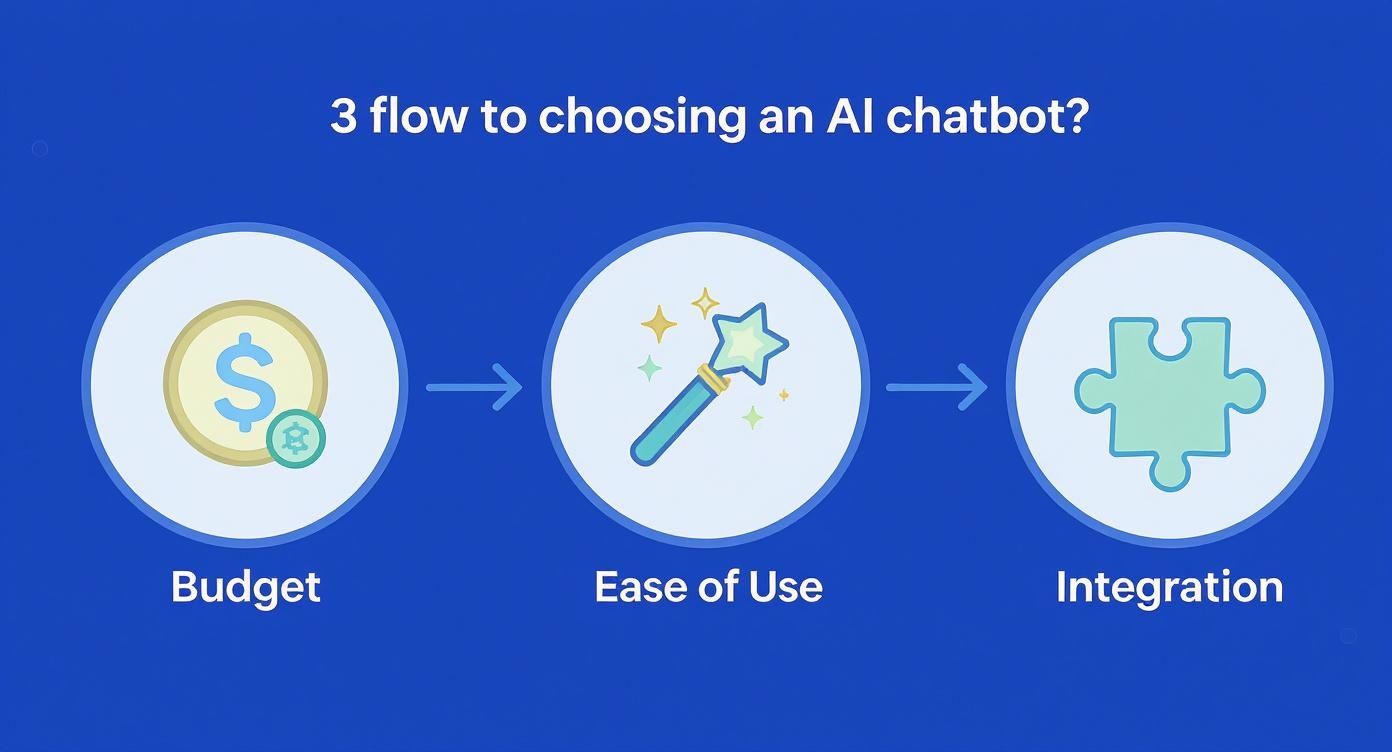
As you can see, the sweet spot for most small businesses is a tool that’s affordable, doesn’t require any coding, and plays nicely with the software you already use.
Step 3: Design the Conversation Flow
With your goals and common questions in hand, it’s time to map out the actual conversation. Start with a simple, warm greeting. From there, guide the user with clear buttons or simple questions based on the map you just made. The trick is to be a helpful guide, not a pushy salesperson.
Your chatbot’s personality should feel like an extension of your brand. A friendly, direct, and helpful tone builds trust. It turns a simple website visit into a positive interaction that people remember.
Here’s what Oakwood’s flow might look like:
- Greeting: “Welcome to Oakwood Home Services! How can I help you today?”
- Options: The bot presents a few buttons like “Request a Quote,” “See Our Services,” and “Common Questions.”
- Qualification: If a user clicks “Request a Quote,” the bot asks for their name, the service they need, and their zip code to make sure they’re in the service area.
- Action: If they’re a good fit, it offers to book a free consultation right then and there by connecting to a calendar.
Step 4: Integrate and Test Everything
The final piece of the puzzle is connecting your chatbot to the tools you rely on. For Oakwood, this means linking it to their team’s Google Calendar for booking appointments and their CRM to automatically create a new lead.
Before you unleash your bot on the world, you have to test it. And I mean really test it. Go through every possible conversation path. Act like a brand new customer. Act like a confused customer. Try to break it. This is where you’ll find awkward wording or dead ends, letting you fix them before a real customer ever sees them. Polish it up, test it one more time, and then you’re ready to go live.
Still Have Questions About AI Chatbots? Let’s Clear Them Up.
Even after seeing all the benefits, it’s smart to have a few lingering questions. Adopting any new tool for your business is a big decision, and you want to be completely sure it’s the right one. This is where we tackle those practical, “what if” concerns head-on.
We’ll get into the nitty-gritty of cost, setup time, and that all-important question of keeping things personal.
What’s This Actually Going to Cost My Small Business?
When most small business owners hear “AI,” they see dollar signs. But the good news is, chatbot technology isn’t just for the big guys anymore. You don’t need a massive budget or a dedicated tech team to get one up and running.
Most modern chatbot tools, like LeadBlaze, work on a simple subscription model. Think of it like another software subscription—a flat monthly fee that gives you everything you need without hidden costs. It’s a predictable expense you can easily budget for, making it simple to see a return on your investment almost immediately.
And the financial upside is pretty compelling. On average, companies using chatbots report saving around $300,000 annually. It’s not just about savings, either—it’s about growth. A whopping 81% of sales teams using AI tools have seen their revenue increase. If you’re curious, you can dig into more of these eye-opening chatbot stats to see the full impact.
Seriously, How Long Does It Take to Set Up?
Forget about long, drawn-out implementation projects that take weeks or months. With today’s no-code platforms, you can have a smart, customized chatbot live on your site in less than an hour. The entire process is built to be simple and intuitive.
Here’s what that timeline usually looks like:
- Getting Started (5-10 Minutes): You’ll sign up for an account and connect the bot to your website. This usually just involves pasting a small bit of code or using a simple plugin.
- Training Your Bot (15-30 Minutes): This is the fun part. You’ll “teach” the bot by pointing it to your existing website content, like your services page or FAQ. You can also adjust its personality, craft the perfect welcome message, and tell it what questions to ask to qualify a new lead.
- Final Checks and Launch (5-10 Minutes): Give it a quick test to make sure it’s responding how you want, and then you’re ready to flip the switch. Just like that, it’s live and engaging visitors.
The whole point of a modern chatbot is to deliver value fast. It’s designed to start working for you the moment it’s activated, not after a long and complicated setup.
But Can a Chatbot Actually Feel… Human?
This is probably the most important question of all. You’ve worked hard to build relationships with your customers, and the last thing you want is for automation to feel cold or impersonal. The secret is to let the bot do what it excels at, so your team can focus on what they excel at.
A great AI chatbot doesn’t pretend to be a person. It acts as an incredibly helpful and efficient assistant for your business. It’s there 24/7 to handle the common, repetitive questions instantly. This frees up your team to jump in and provide thoughtful, expert help for the more complex conversations.
You can completely customize its tone and language to sound just like your brand, making every interaction feel authentic. By being upfront that it’s a bot and ensuring a smooth handoff to a person when needed, the chatbot actually enhances the human touch—it doesn’t get in the way of it.
Ready to see how a smart assistant can turn your website visitors into genuine, qualified leads? LeadBlaze gives you a 24/7 AI sales assistant that engages every visitor, answers their questions, and captures their contact info. That means you can focus on what you do best: closing deals. Start your free 7-day trial and get set up in minutes.