Your phone rings while you’re with a customer, on a job site, or halfway through payroll. You let it go to voicemail because you have to. Then the same thing happens after hours, on weekends, and during lunch. That pattern gets expensive fast.
That’s why picking the best call answering service matters more than most SMB owners think. One industry roundup reports that 80% of business is conducted over the phone, and 72% to 80% of callers expect to reach a real person rather than a machine. If your business depends on inbound leads, that’s not a minor preference. It’s the buying moment.
This guide cuts past generic feature grids. I’m focusing on what changes outcomes: 24/7 coverage, per-call versus per-minute billing, integration depth, script flexibility, scheduling, and whether the service helps your team act on a lead instead of just logging a message. If you’re also tightening staffing on the operations side, Headset Army’s guide to scheduling software is worth a read.
1. Smith.ai
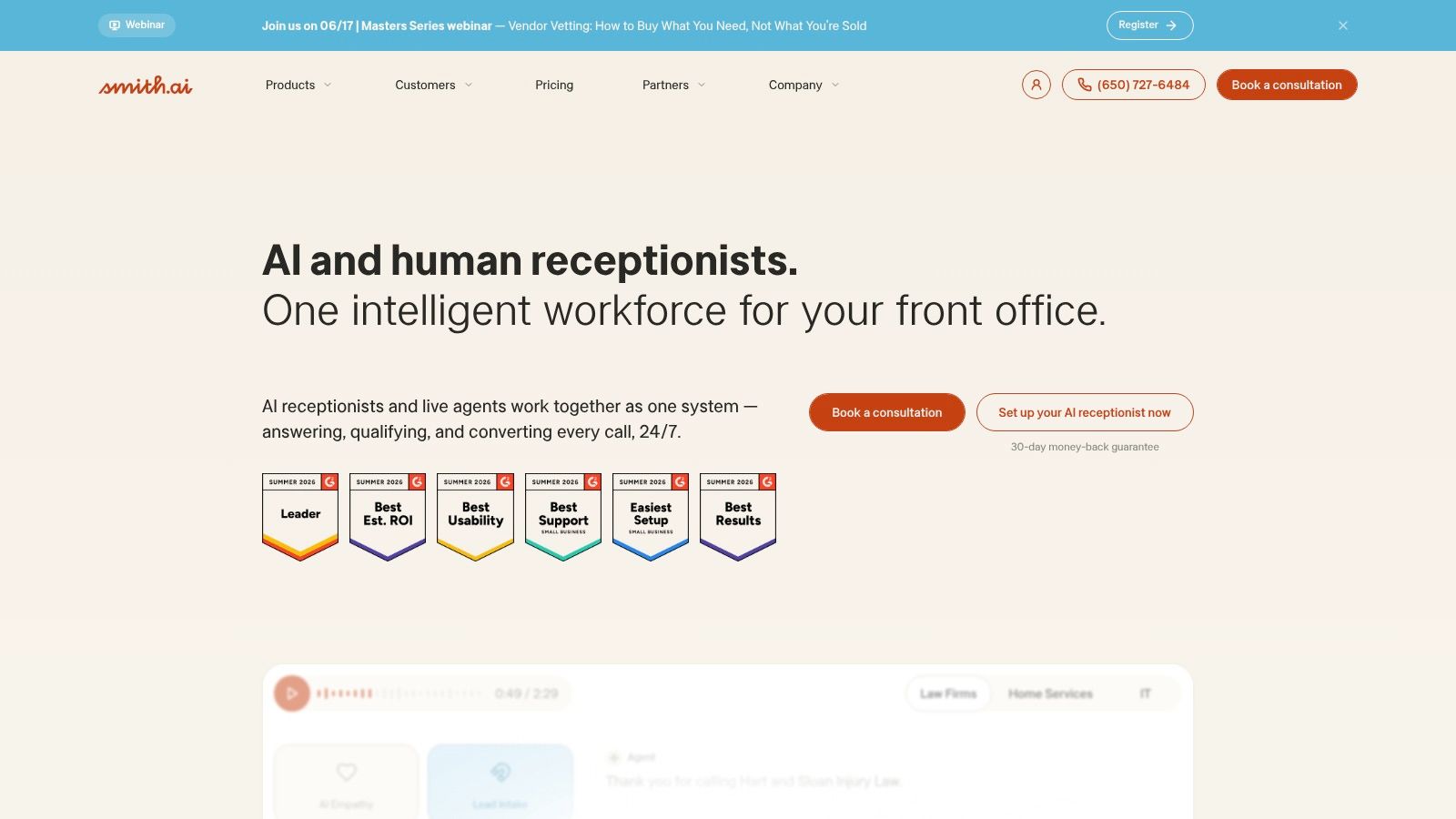
Smith.ai is one of the first services I recommend when a business wants fewer billing surprises. Its per-call structure is easier to manage than per-minute plans when your calls vary in length and your front desk isn’t staffed consistently.
It’s a strong fit for law firms, home services, agencies, and clinics that want more than message taking. Smith.ai can answer calls around the clock, screen and qualify leads, transfer live calls, book appointments, take payments, and push structured data into CRMs. The bilingual support also matters if your inbound mix includes both English and Spanish callers.
Where Smith.ai works best
Advantage is workflow. A lot of answering services stop at “someone answered.” Smith.ai is better when you need the receptionist layer to feed the next system cleanly, especially calendars, CRMs, and intake processes.
If your team already values real-time engagement on the web side too, I’d pair that phone strategy with a stronger digital intake experience like live chat support for lead capture. That combination closes more gaps than phone coverage alone.
- Best for predictable budgeting: Per-call billing is easier to forecast than minute bundles for many SMBs.
- Best for structured intake: CRM and calendar integrations reduce retyping and missed follow-up.
- Watch the fit: If you get lots of very short, frequent calls, per-call pricing can become less attractive than a minute-based plan.
Practical rule: Choose per-call pricing when your bigger problem is missed opportunities, not shaving seconds off average call length.
2. Ruby
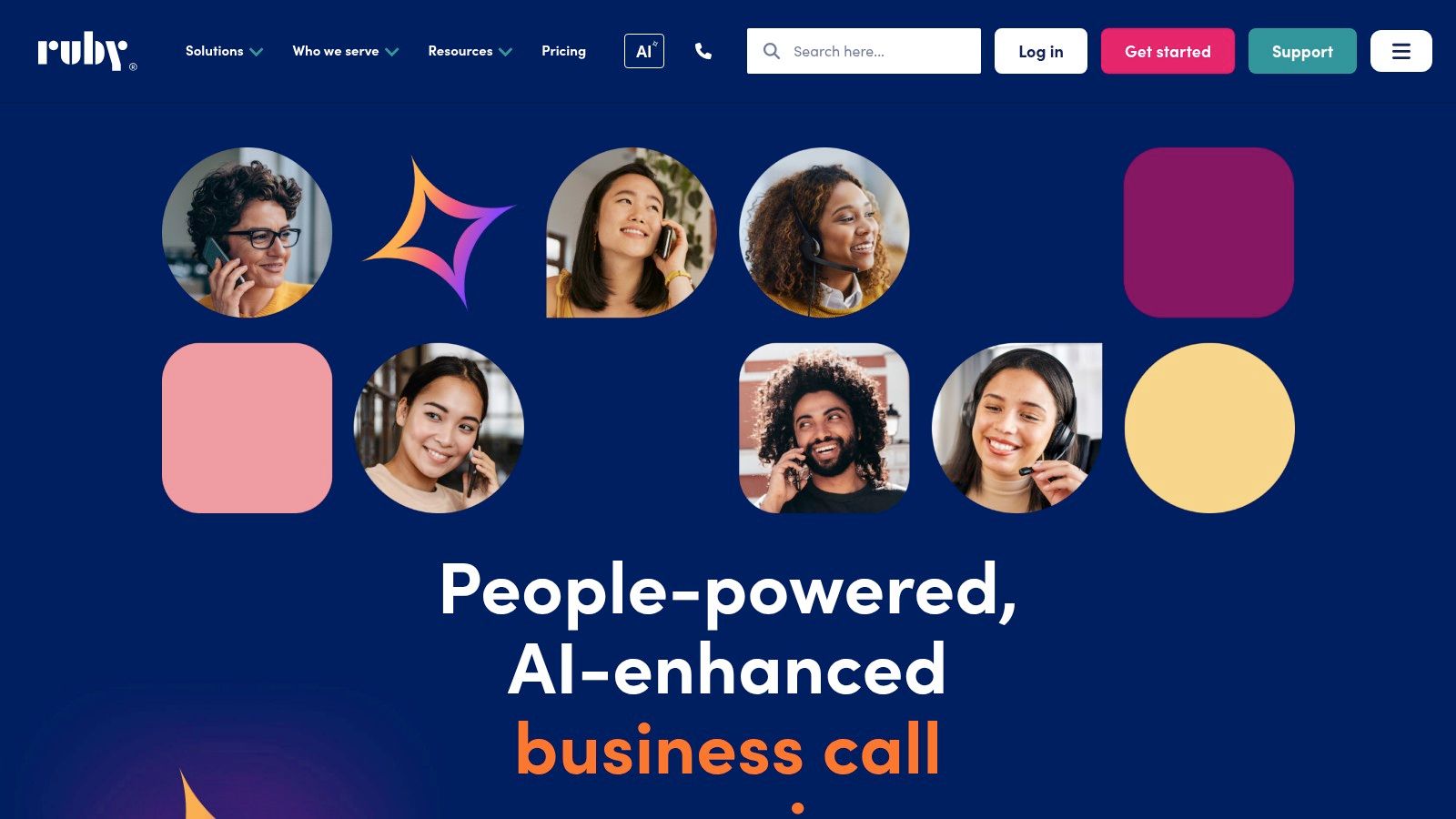
Ruby has always leaned into brand polish. If you want callers to feel like they’ve reached a well-run office instead of an outsourced queue, Ruby is usually on the shortlist.
Its service includes live answering, custom scripts, scheduling, payment collection, warm transfers, and an app or portal for call control. It also offers a HIPAA option for healthcare teams, which makes it more viable for medical practices and allied health businesses that need a cleaner compliance story from day one.
The trade-off with Ruby
Ruby is less about raw pricing efficiency and more about presentation quality. That can be the right call for firms where the tone of the first interaction affects close rates, consultation bookings, or trust. Legal, financial, and healthcare offices often care about that more than the cheapest possible call handling.
The downside is pricing transparency. You’ll usually need to talk to sales and understand how usage is measured before you can compare it fairly against providers with public plan structures. If you’re deciding where human reception ends and automation begins, this breakdown of live chat vs chatbot differences helps frame the same choice on your website.
- Best for polished caller experience: Ruby is strong when script quality and brand consistency matter.
- Best for offices with scheduling needs: Appointment handling and warm transfers are useful out of the box.
- Watch the fit: Bilingual availability can be more limited than buyers expect, so confirm hours before signing.
3. PATLive
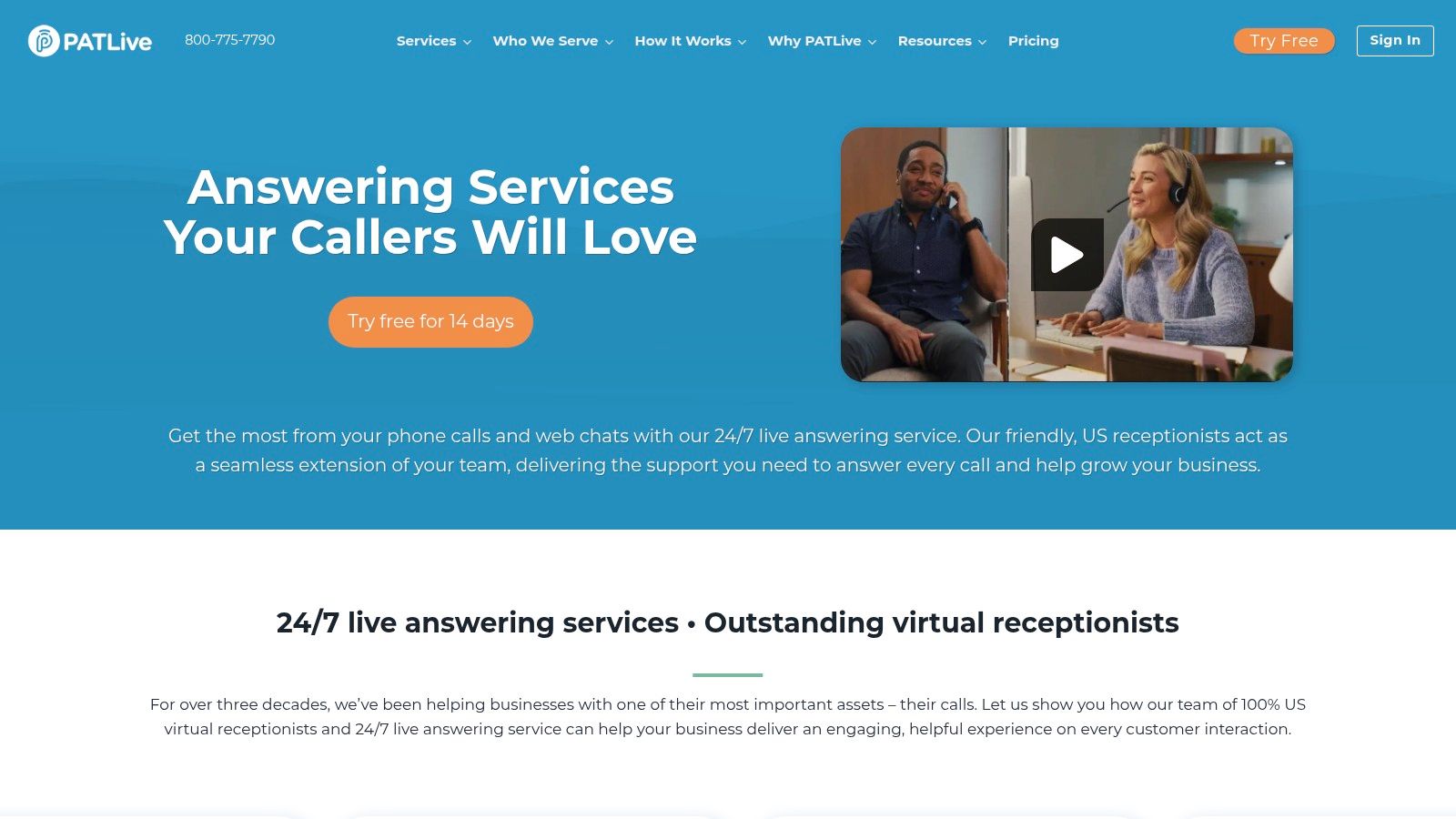
PATLive earns points for being easier to evaluate than most competitors. The pricing is posted, the plan structure is straightforward, and the service includes 24/7/365 live answering, screening, warm transfers, scheduling, and web chat.
That kind of clarity matters because the telephone answering service market is projected to grow from USD 5.42 billion in 2025 to USD 9.0 billion by 2035 at a 5.2% CAGR. As the market grows, more vendors look similar on the surface. Transparent pricing becomes a real differentiator.
Why PATLive is practical
For SMBs that want to test before fully committing, PATLive is one of the easier services to put through a real-world trial. Its Signature Service is also worth a look if you want a smaller dedicated team instead of a broad shared pool.
Per-minute pricing is the main caution. It can work well for short, efficient calls. It’s less friendly when seasonal spikes hit or your scripts require more back-and-forth.
- Best for straightforward comparison shopping: Public pricing and a free trial reduce friction.
- Best for overflow and after-hours coverage: The service handles core receptionist tasks well.
- Watch the fit: Minute overages can add up when call duration drifts.
If you’re using AI on the website side and humans on the phone side, this primer on how chatbots fit into business workflows is a useful companion.
4. Nexa
Nexa is strongest when your business has repeatable call types and industry-specific intake needs. Contractors, legal practices, medical offices, and field service teams tend to benefit most because Nexa puts more effort into vertical scripting than many generalist providers.
It offers 24/7/365 answering, bilingual agents, custom scripts, appointment scheduling, lead qualification, CRM integrations, local and toll-free numbers, and analytics. On the operations side, I also like that Nexa explains what counts toward receptionist work and billable time. That sounds minor until you’ve had to audit an invoice after a busy month.
Where Nexa stands out
The best use case is a business that already knows how it wants calls handled. Nexa performs better when you can define routing rules, escalation paths, appointment criteria, and script boundaries upfront.
A mediocre answering service answers. A strong one qualifies, routes, and documents the call in a way your team can use immediately.
The weaker point is pricing transparency. You’ll likely need a quote, and because it uses a minute-based model, you should press hard on overages, transfers, script complexity, and what happens during call surges.
5. AnswerConnect
A common small-business problem looks like this. Calls come in during the day, chat leads show up after hours, and neither channel gets handled consistently because they sit in different tools. AnswerConnect makes a solid case when you want one provider covering both voice and website chat, with live answering, appointment scheduling, CRM integrations, overflow support, and after-hours coverage in the same setup.
That matters because channel sprawl creates real operational drag. If phone leads live in one workflow and web chat leads live in another, follow-up slows down, reporting gets messy, and missed opportunities are harder to spot.
My take on AnswerConnect
I usually put AnswerConnect on the shortlist for businesses that need broad front-desk coverage more than deep industry specialization. It fits teams that want fewer moving parts and a single vendor for inbound calls and chat, especially if the website is already a meaningful source of leads.
The trade-off is pricing clarity. AnswerConnect does not make it easy to compare costs against providers that show public per-minute tiers or per-call packages, so buyers need to ask sharper questions during sales calls. Ask how usage is billed, what counts as billable handling time, how transfers affect spend, and whether chat volume is priced separately or bundled.
This is also where the buying decision gets more interesting. If your goal is total lead capture, a live answering service and an AI website assistant can work together well. Services like LeadBlaze can qualify and engage website visitors instantly, while AnswerConnect handles the phone traffic and overflow cases that still need a human touch. For some businesses, that combination covers more ground than trying to force one vendor to do everything.
- Best for mixed-channel coverage: A practical fit if leads come in by phone and website chat every day.
- Best for operational simplicity: Useful for teams that would rather manage one intake partner than separate call and chat tools.
- Watch the fit: Get specific on billing logic, chat pricing, CRM sync behavior, and any setup fees before signing.
6. Go Answer
A common buying scenario looks like this. The owner wants published pricing, the ops lead wants CRM integration, and the front desk still needs real people answering live calls instead of forcing every interaction through automation. Go Answer fits that middle ground better than many quote-only providers.
Its offer is straightforward: live answering, warm transfers, bilingual support, CRM integrations, reporting dashboards, and optional AI summaries and transcription. That mix gives buyers more to work with than a basic message-taking service, especially if missed calls already translate into lost appointments or slower lead follow-up.
The practical advantage is pricing visibility. You can review tiers and overage rules before talking to sales, which makes comparison easier if you are weighing per-minute services against per-call providers. The trade-off is that Go Answer still sells bundled minutes, so cost control depends heavily on average call length. A business with short routing calls may do well here. A team that uses receptionists for longer intake or qualification calls can watch the bill rise faster than expected.
The add-ons matter too. Bilingual coverage, legal intake, HIPAA-trained agents, and AI call summaries can all be useful, but they should be priced into the full monthly total, not treated as small extras. I usually tell clients to model two scenarios before signing: a normal month and a busy month with longer calls. That simple exercise often reveals whether a minute-based plan still works once the service is configured the way the business needs it.
Go Answer also sits in an interesting spot next to newer AI tools. If phone coverage is only part of the lead-capture problem, a service like LeadBlaze can handle website conversations instantly while Go Answer covers live calls and overflow. That combination often makes more sense than asking a receptionist service to solve phone intake, web chat, and lead qualification on its own.
- Best for pricing visibility: Easier to compare than providers that hide costs behind custom quotes.
- Best for hybrid human plus AI workflows: Useful for teams that want live receptionists but also want summaries, transcription, or an AI website assistant alongside phone coverage.
- Watch the fit: Minute-based billing rewards short, efficient calls and gets expensive when scripts, intake steps, or transfer paths add time.
7. MAP Communications
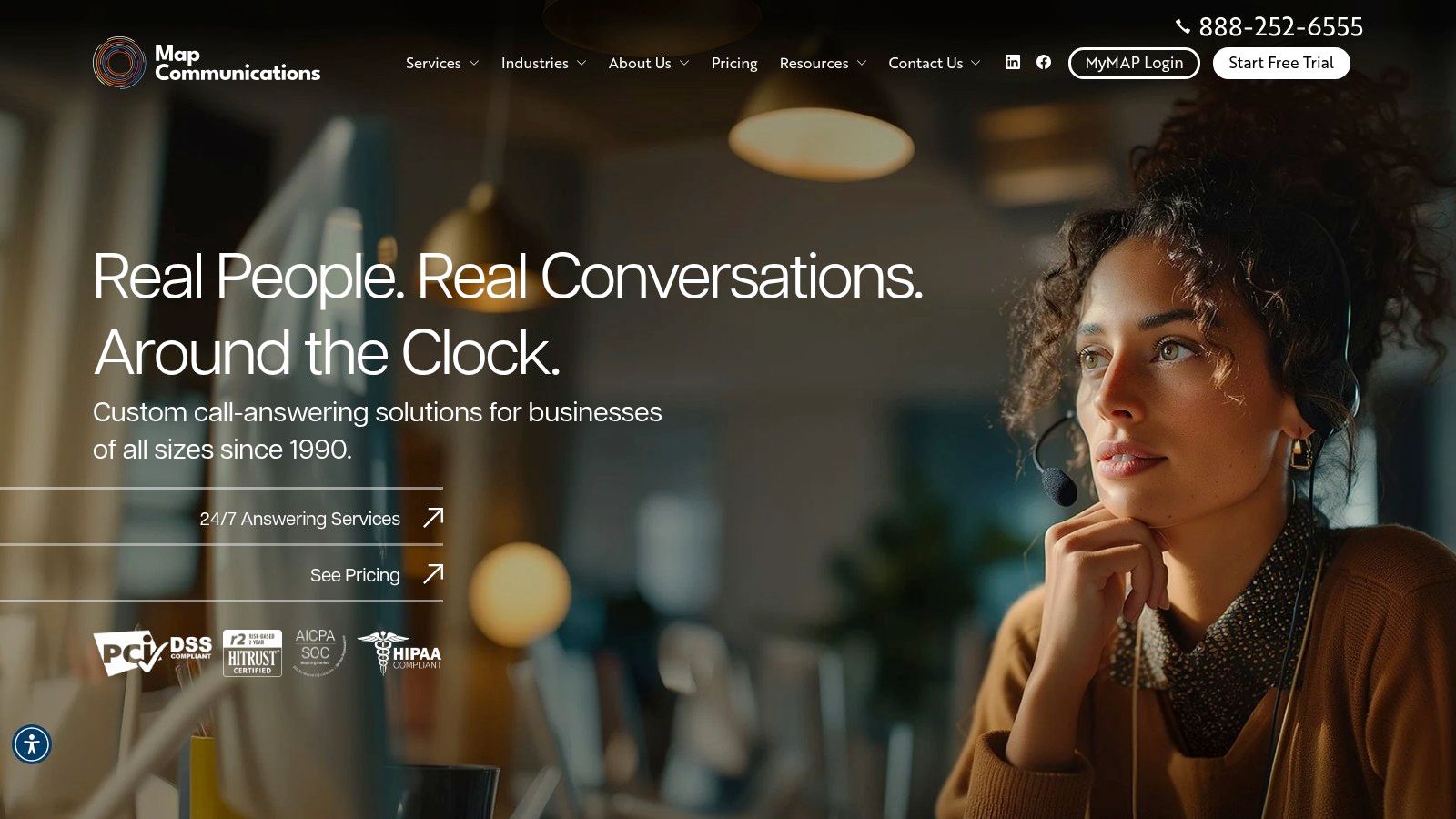
MAP Communications is the compliance-first recommendation. If you operate in healthcare, finance, legal support, or any environment where security reviews are part of vendor selection, MAP usually makes the shortlist quickly.
Its service includes 24/7 live coverage, English and Spanish agents, a secure client portal, toll-free number support, free message delivery, and a published compliance posture that includes HIPAA, HITRUST, SOC 2, and PCI-DSS. It also offers a free trial, which is useful because compliance claims look better when you can test the actual workflow and support quality.
Best fit for regulated industries
A lot of SMBs underestimate how much friction security paperwork creates once the vendor review starts. MAP removes some of that friction by making its compliance posture central instead of burying it.
Buying insight: If your staff handles protected or payment-related information, don’t treat compliance as a nice extra. It changes who should even make your shortlist.
The usual caution still applies. Because it’s minute-based, invoices can fluctuate when call volume or handling time jumps. That doesn’t disqualify it. It just means operations and finance should review the plan together.
8. Abby Connect
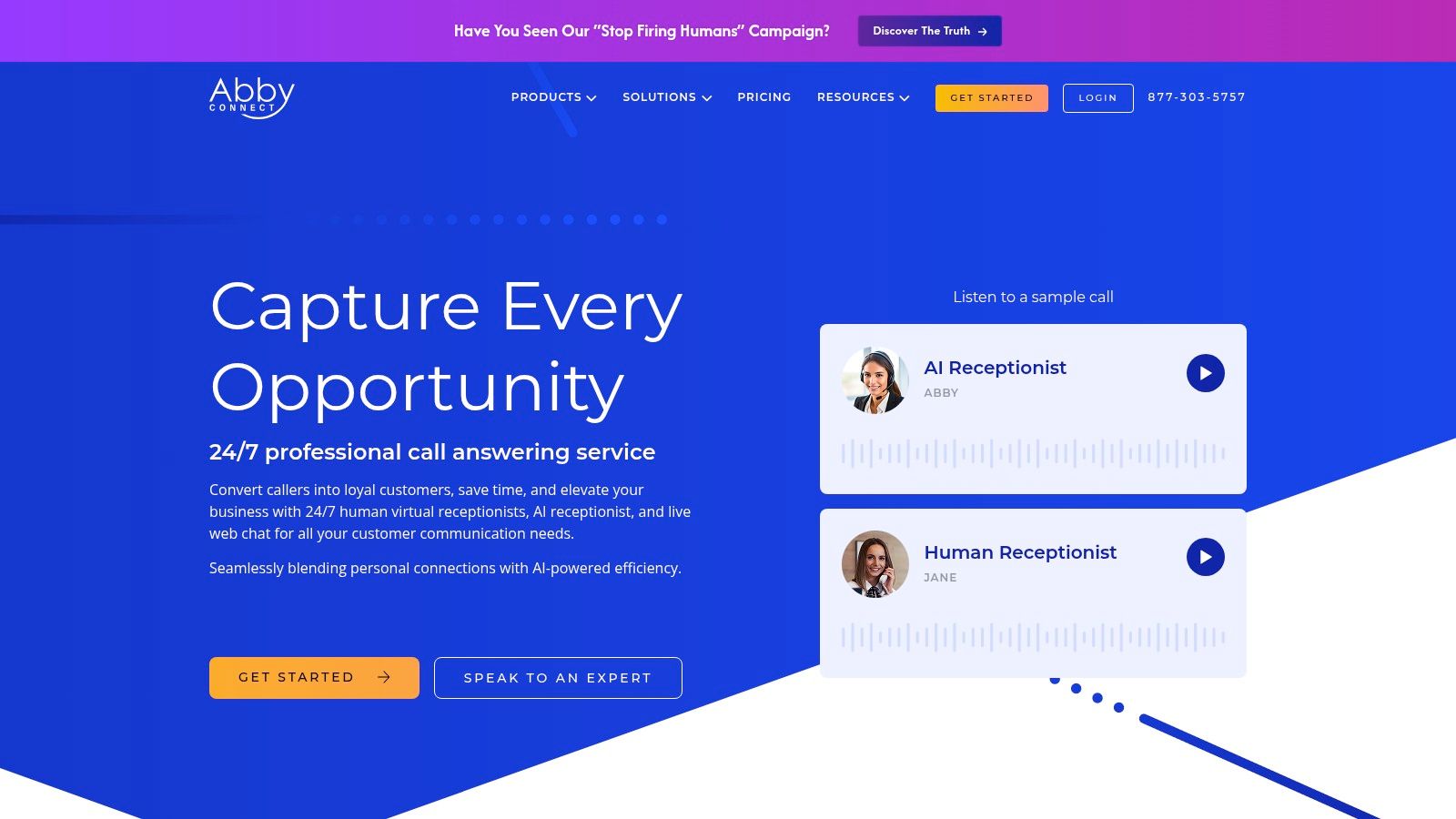
A common buying problem shows up after the demo, not during it. The owner likes the idea of AI handling routine calls, the office manager worries about missed nuances, and finance wants to know whether the bill will rise with every longer conversation. Abby Connect stands out because it lets you compare those paths inside one provider instead of forcing a full bet on either live receptionists or automation.
Its lineup is built for that side by side evaluation. The human service centers on dedicated small teams, with HIPAA options and Spanish answering available. The AI receptionist adds custom call flows and human backup, which matters if you want automation for after-hours coverage or repetitive intake but still need a person available when the script hits a limit.
Why Abby Connect makes the shortlist
The practical value is not just that Abby offers AI. It is that buyers can assess how AI and human answering behave under the same vendor setup, pricing conversation, and implementation process. That makes trade-offs easier to judge.
As noted earlier, AI adoption in contact centers is moving faster than day to day execution. I see that gap in real evaluations. The hard part is rarely turning AI on. The hard part is getting routing, escalation, message quality, and follow-up ownership right once real callers start using it. Abby Connect is useful for businesses that want to test that transition in a controlled way.
Dedicated teams are another meaningful differentiator. Repeat callers often notice when the person answering already understands the business, the common issues, and how the owner likes calls handled. That consistency can matter more than a broad feature list.
- Best for side-by-side evaluation: Human and AI options under one vendor make comparison easier.
- Best for relationship-driven coverage: Dedicated teams can create a more consistent caller experience.
- Watch the pricing model: Human answering tends to get expensive when minutes climb, so this is one to model against a per-call alternative if your calls run long.
Abby Connect fits best for businesses in transition. If you want to compare per-minute live answering against AI-assisted coverage, and you also use tools like LeadBlaze on the website to catch leads before they call, Abby is one of the clearer vendors to assess.
9. Moneypenny U.S.
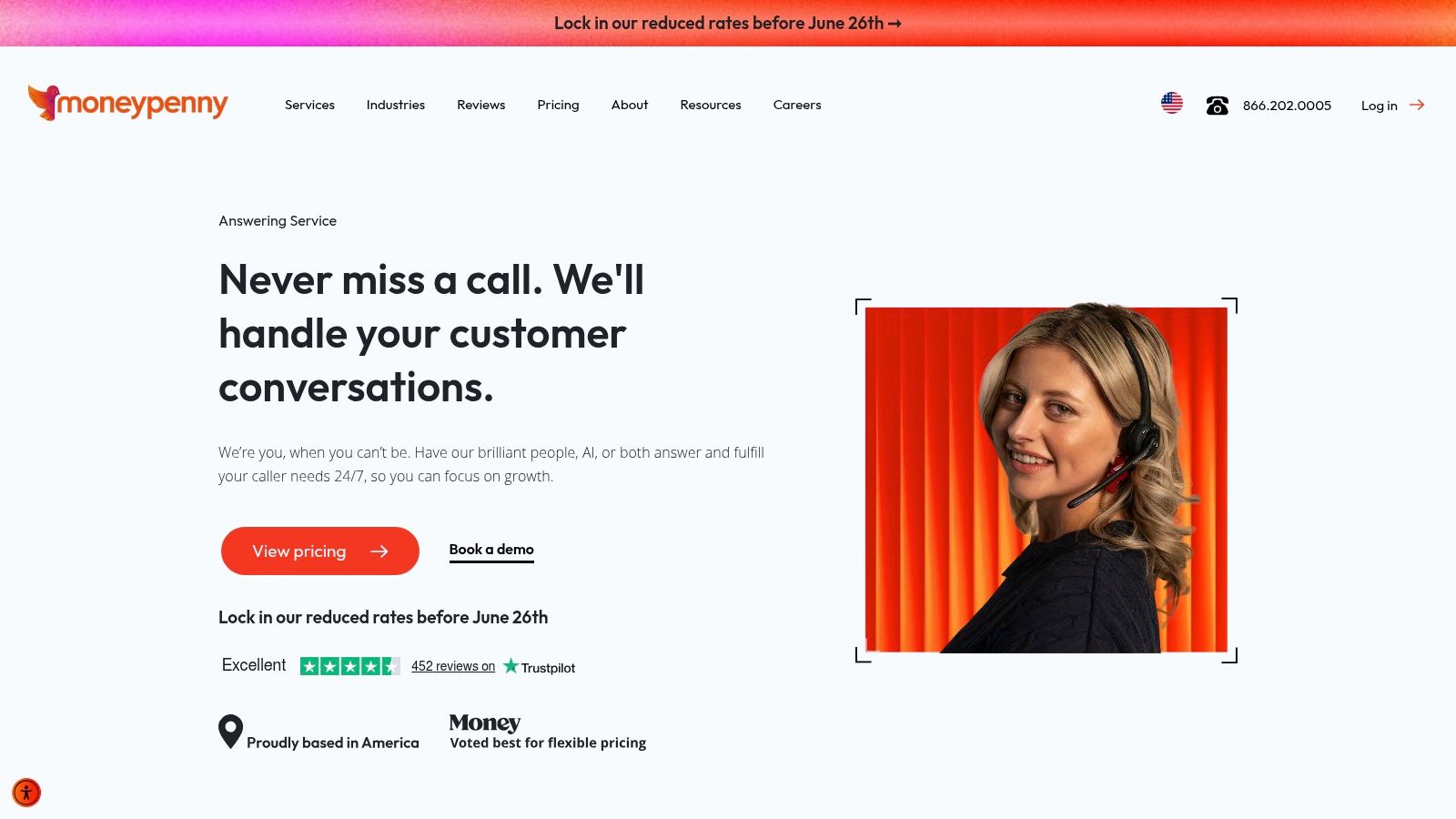
Moneypenny U.S. is a strong option when scale matters. If you want a provider that can support solo operators today and broader contact center or hybrid human-plus-AI workflows later, Moneypenny has the range.
The service includes 24/7 live answering, virtual receptionist teams, AI receptionist options, bilingual answering, appointment scheduling, CRM updates, and broader contact center services. I’d look at it for businesses that expect call handling needs to become more complex over time, not stay limited to message taking.
Where Moneypenny fits
Some buyers don’t need a “best call answering service” in the narrow sense. They need a provider that can start as overflow coverage and grow into full frontline support. Moneypenny is good in that scenario.
The trade-off is that public pricing isn’t fully itemized. You can see directional entry points, but you’ll still need a consult to understand the final setup, especially if AI, bilingual support, or more advanced workflows are involved.
The larger the vendor catalog, the more important it is to ask what’s included by default and what requires a custom scope.
10. ReceptionHQ
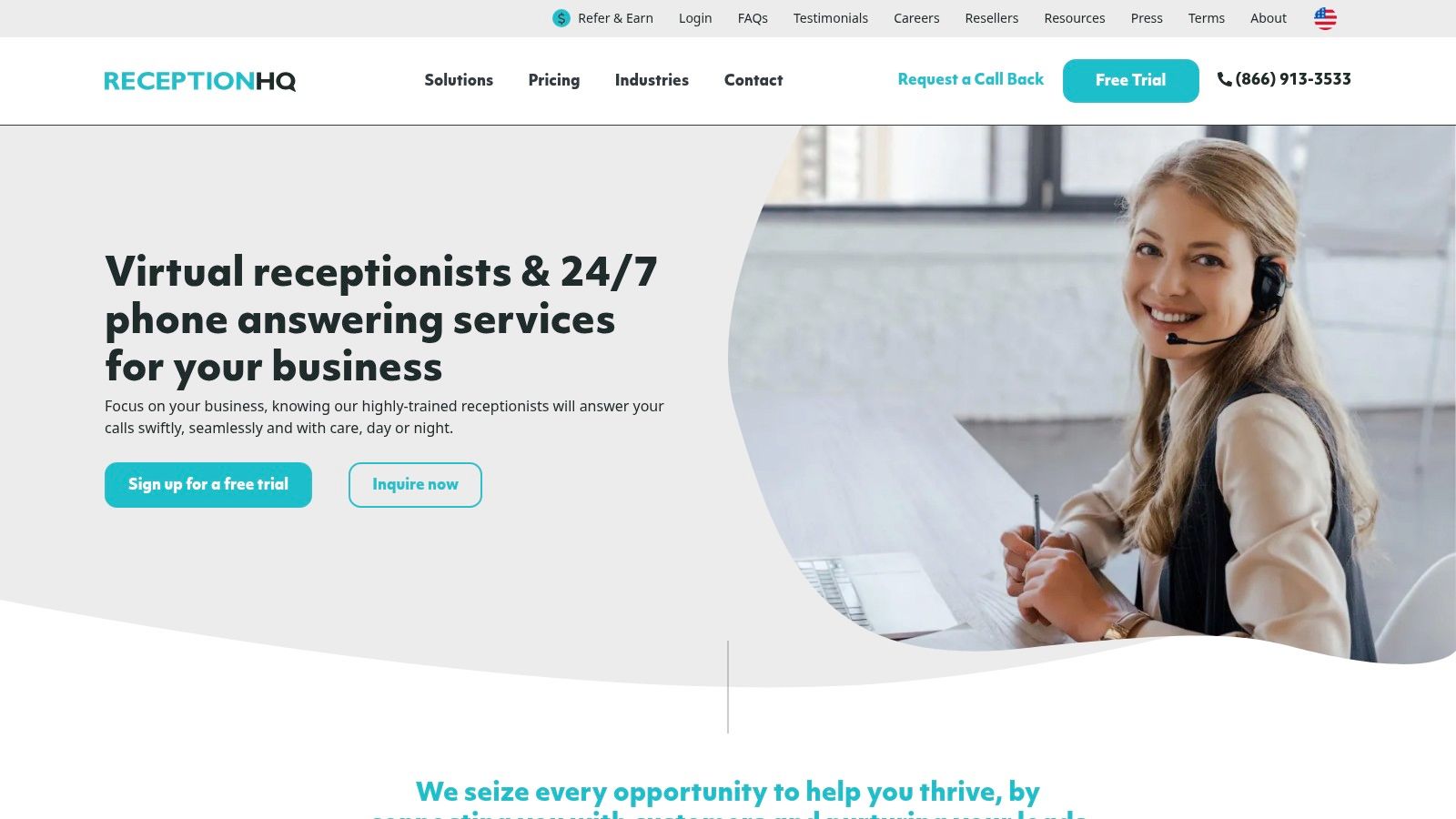
ReceptionHQ stands out because it supports both per-call and per-minute pricing. That flexibility is unusually valuable for small businesses that are still figuring out their inbound pattern.
Its service covers 24/7 live answering, message taking, transfers, assistant and diary services, and U.S.-based receptionist teams. For solo operators, local businesses, and lean offices, that pricing choice can be more important than a long feature list.
Why ReceptionHQ is worth a close look
One of the most underserved questions in this market is whether paying for answering service coverage is financially rational at lower call volumes. ReceptionHQ is relevant here because it markets plans starting at $25 per month, which puts it squarely into the conversation for budget-conscious SMBs.
That doesn’t automatically make it the cheapest option in practice. Promotions, usage rules, and add-ons still matter. But if you want to test per-call versus per-minute billing against your own inbound behavior, ReceptionHQ gives you a cleaner starting point than many competitors.
- Best for pricing flexibility: You can match the model to your call pattern.
- Best for smaller businesses testing the category: Entry-level positioning lowers the barrier.
- Watch the fit: Some plan specifics still require sales contact or careful reading of promotions.
Top 10 Call Answering Services Comparison
| Service | Core offering | Target audience | Pricing & trial | Unique selling point | Notable limitation |
|---|---|---|---|---|---|
| Smith.ai | 24/7 live reception: answering, screening, booking, payments, CRM push | Businesses wanting predictable per-call billing and deep integrations | Per-call pricing; onboarding money-back language | Strong CRM/calendar integrations; bilingual support | Per-call model can be costly for high-frequency short calls |
| Ruby | 24/7 live reception with app/portal, custom scripts and transfers | Teams seeking a polished, brand-aligned receptionist experience | Typically per-minute; pricing less transparent online | Mature provider with quality controls and client portal | Bilingual coverage limited to set hours; pricing opaque |
| PATLive | 24/7/365 answering, web chat, warm transfers; Signature dedicated team option | Businesses wanting clear online pricing and optional dedicated team | Transparent per-minute plans; 14-day free trial | Published pricing + Signature (small dedicated team) | Per-minute overages can spike seasonal costs; single number per plan |
| Nexa | 24/7 answering with vertical playbooks and custom scripts | Vertical businesses (home services, medical, legal) needing industry scripts | Quotes required (no public dollar pricing); per-minute model | Strong industry playbooks and clear work/time definitions | Pricing not public; per-minute billing can vary in spikes |
| AnswerConnect | 24/7 live answering + live chat, after-hours/overflow support | Teams needing an always-on extension for lead capture | Pricing not published; usually per-minute | Broad voice + chat feature set for after-hours capture | Must request quotes; per-minute variability |
| Go Answer | 24/7 live reception, bilingual/HIPAA agents, AI call summaries (add-on) | Businesses wanting transparent tiers and optional AI features | Transparent tiered per-minute pricing; 30-day money-back | Clear published pricing and optional AI summarization | Add-on fees and minute overages can add up |
| MAP Communications | 24/7 answering with secure portal and compliance certifications | Regulated industries needing HIPAA/HITRUST/SOC-2/PCI-DSS | Per-minute model; free trial with no credit card | Strong compliance posture and secure client portal | Per-minute variability; advanced customizations may need quotes |
| Abby Connect | Human receptionists + AI receptionist product; dedicated teams | Businesses comparing human vs AI receptionist workflows | Published pricing for both human and AI plans | Side-by-side human + AI offerings; dedicated CSMs | Human plans costly as minutes grow; some integrations tiered |
| Moneypenny (U.S.) | 24/7 phone answering, virtual teams, AI voice agents, contact center services | Organizations needing scale and hybrid human+AI solutions | Pricing “from” language; final rates via consult/demo | Wide service catalog from solo to contact center; hybrid options | Pricing not fully itemized publicly; consult required |
| ReceptionHQ | 24/7 message-taking, transfers, assistant/diary services | Small businesses to national teams seeking flexible pricing | Offers per-call or per-minute models; entry-level plans | Flexible pricing models (per-call or per-minute) | Some plan specifics require sales contact; after-hours vary by location |
Making the Right Call Your Next Steps
A missed call at 4:47 p.m. often looks minor in the moment. In practice, it can mean a lost consultation, an unbooked job, or a lead that fills out a competitor's form five minutes later. That is why the right choice usually comes down to fit, not feature volume.
Start with your call pattern. A low-volume firm with high-value leads often does better with per-call pricing because the bill is easier to predict and each answered call carries real revenue potential. A busier office with short, repetitive calls may spend less on a per-minute plan, but only if call handling is tight, scripts are clear, and transfers do not drag on. I have seen teams pick the cheaper headline rate and then lose the savings through long hold times, sloppy routing, and minutes burned on calls that should have been filtered earlier.
The next decision is operational. Some businesses only need reliable message taking and basic transfer rules. Others need qualification, appointment booking, CRM updates, and usable summaries the team can act on right away. Those are different service tiers, and the gap shows up fast once leads start coming in after hours or across multiple channels.
The market has shifted in that direction. Buyers now compare live receptionists against AI voice agents, scheduling workflows, transcription quality, and how well each provider passes data into the tools the business already uses. As noted earlier, vendor examples in this category increasingly frame success around fast response, low escalation, and cleaner handoff to the team, not just whether a human picked up the phone.
That last point matters more than many comparison pages admit.
A phone answering service only covers callers. It does nothing for visitors who land on your website, skim a service page, hesitate, and leave without dialing. For many small businesses, the better setup is a pair: a call answering service for inbound phone traffic, plus an AI website assistant that captures demand from visitors who never place the call.
LeadBlaze fits that second role well. It answers site questions using your content, qualifies leads based on your rules, and gives your team concise summaries instead of long, messy transcripts. Paired with a solid answering service, it closes a common gap in lead capture that phone coverage alone does not solve.
Before you sign, test your top two providers with real scenarios. Use a pricing inquiry, an urgent booking request, a spam-like call, and a repeat caller who is confused or frustrated. That exercise reveals more than any demo because it shows billing exposure, script discipline, integration quality, and whether the provider helps your team close work instead of just logging messages.
If you want to stop losing website leads while you sort out phone coverage, LeadBlaze is an easy place to start. It adds a 24/7 AI sales assistant to your site, learns from your content, qualifies visitors, and gives your team clean summaries in one dashboard. For SMBs, agencies, and local service businesses, it is a practical way to make sure your digital front door works as hard as your phone line.