Think of your Instagram page as more than just a photo album for your brand. It’s a living, breathing storefront, and your DMs are the front door. Instagram Business Chat is the key that turns that door into a welcoming, intelligent entryway for every potential customer.
It’s a specialized messaging toolkit built right into Instagram, designed specifically for brands. This isn’t about just sending and receiving messages anymore. It’s about creating an entire customer experience inside the chat window, guiding people from a simple “hello” to a happy purchase.
Your Direct Line to Modern Customers
Here’s the thing: with over 200 million business profiles on Instagram, the game has changed. Your customers are already there, and nearly half of them are chatting with brands regularly. What starts as a casual scroll can quickly become a serious buying signal.
This is where Business Chat tools come into play, helping you manage the flow.
Instead of a messy, overwhelming inbox, you get an organized command center. This is the heart of what’s known as conversational marketing—turning simple chats into structured, meaningful interactions that build trust and drive sales.
Getting a handle on Business Chat isn’t just about being responsive. It’s about building a system that delivers:
- An Instant Welcome: Greet people the moment they reach out, making them feel seen and valued.
- A Guided Journey: Skillfully lead followers from a casual question to a confident purchase decision.
- Real Relationships: Move beyond one-off transactions by building loyalty through genuinely helpful conversations.
In a world where 90% of users follow at least one business, these DMs are your single biggest opportunity. Mastering them is how you turn followers into your next loyal customers.
More Than Just DMs: What Is Instagram Business Chat?
If your Instagram DMs feel like a chaotic, never-ending stream of questions, you’re not alone. For a growing business, that simple inbox just doesn’t cut it. This is where Instagram Business Chat comes in—it’s a powerful upgrade that turns your DMs from a simple messaging tool into a smart, organized hub for customer communication.
Think of it less as an inbox and more as a customer service command center. It gives you the tools to manage conversations at scale, making your brand look incredibly professional and responsive, even when you’re juggling a million other things.
Smart Tools for Better Conversations
Let’s get practical. One of the most game-changing features is Quick Replies. Imagine having perfectly crafted answers to your most common questions—like “What are your hours?” or “Do you ship to Canada?”—saved and ready to send with a single tap. This isn’t just about saving time; it’s about giving customers fast, consistent answers every single time.
You also get a set of simple but powerful automations to handle the initial point of contact.
Welcome Message: This automatically sends a custom greeting to someone the very first time they message you. It’s like having a friendly shopkeeper welcome a new customer the moment they step inside, making them feel seen and valued from the start.
Away Message: When you can’t reply right away, this feature steps in. It lets people know you’ve received their message and tells them when you’ll be back online. This simple act of setting expectations builds trust and shows you respect their time.
These aren’t just fancy features. They’re the building blocks of a system that works for you 24/7, nurturing potential customers and supporting existing ones. It’s all about creating an exceptional experience without chaining yourself to your phone.
This simple visual breaks down what Business Chat really helps you accomplish.
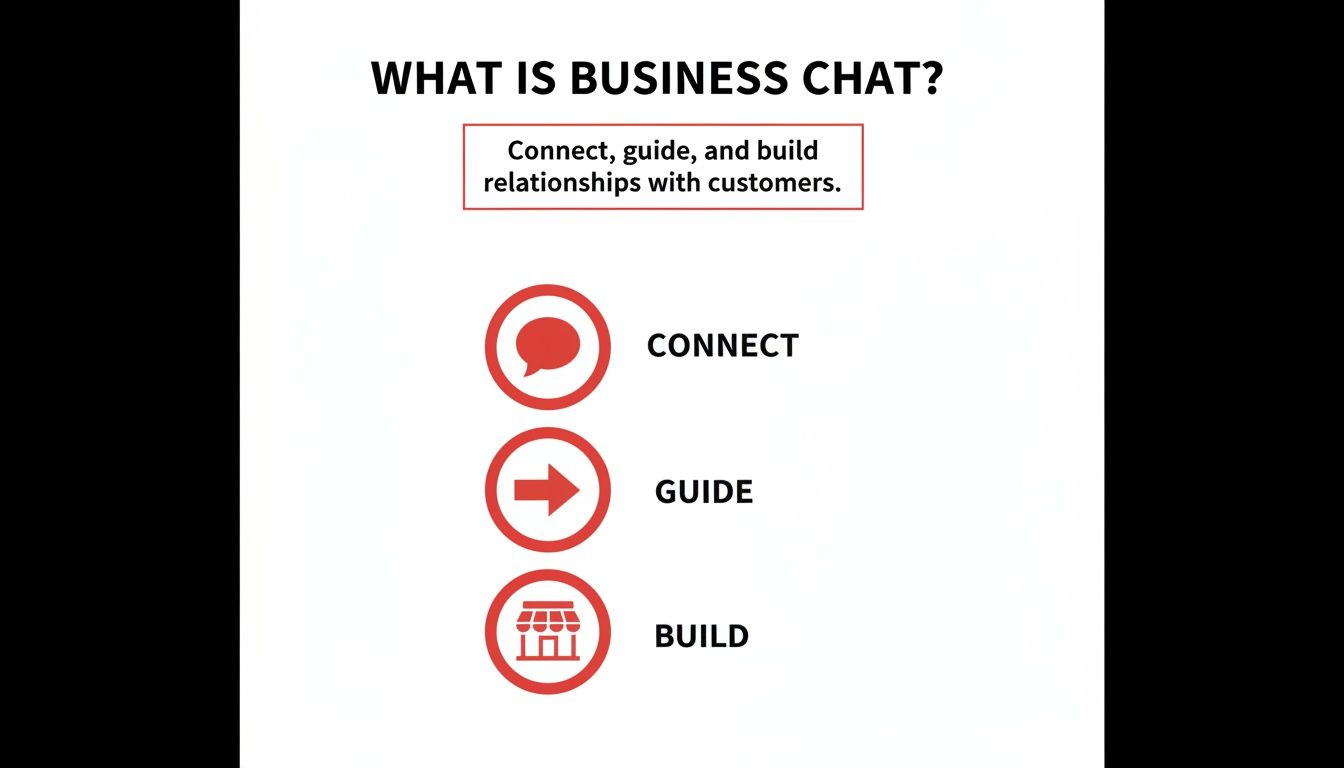
As you can see, the goal is to do more than just talk. It’s about strategically connecting with people, guiding them on their journey with your brand, and building real, lasting relationships—all within the app they already use and love.
Getting Your Business Chat Fired Up
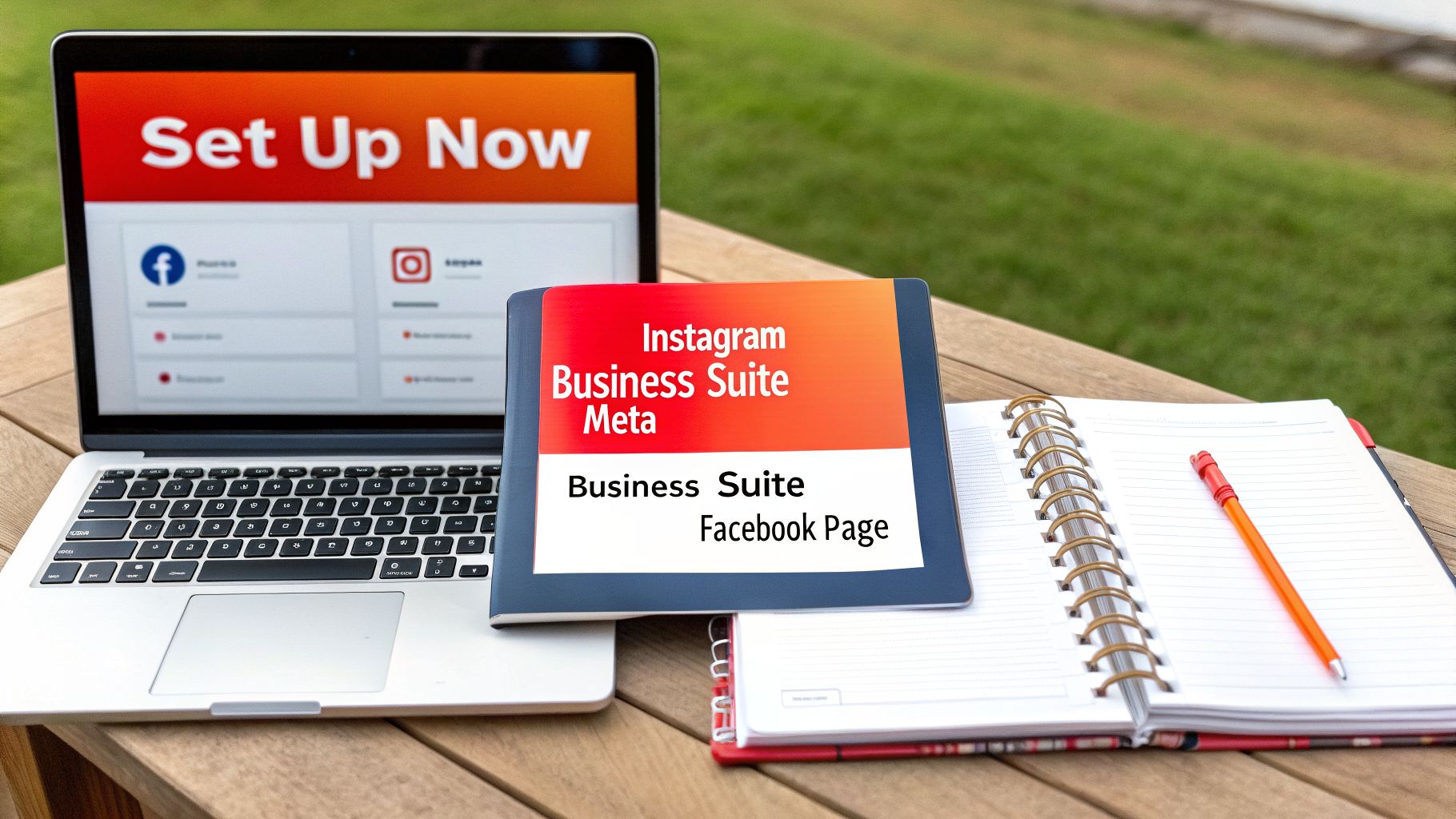
Ready to unlock this powerful new way to connect with your audience? Getting started is refreshingly straightforward. The whole process is designed to get you up and running in just a few minutes, turning your DMs into a real engine for growth.
Your first move is the most important one: switching your profile to an Instagram Business Account. This is the master key that unlocks all the professional tools, so if you’re using a personal account, you’ll want to make that change in your settings right away.
Next, you’ll connect that shiny new Business Account to a Facebook Business Page. This simple step is what plugs you into the Meta Business Suite, which is the central command center for all your advanced messaging features. This is where the real work—and fun—begins.
Putting Your New Messaging Tools to Work
With everything connected, it’s time to build out your customer experience. Head into the Meta Business Suite and start customizing these game-changing features. They’ll make you look professional and responsive right from the get-go.
- Quick Replies: Stop typing the same answers over and over. Create a bank of pre-written responses for all your FAQs, from “What are your hours?” to “How much does it cost?” This is a massive time-saver and keeps your brand messaging on point.
- Automated Responses: Set up a friendly Welcome Message to greet people the moment they message you. You can also create an Away Message to manage expectations when you’re off the clock, so customers never feel ignored.
- Message Labels: Think of these as digital sticky notes for your inbox. Create labels like “New Lead,” “Follow-Up Needed,” or “Resolved” to keep your conversations organized and ensure no one falls through the cracks.
Here’s a pro tip: To make sure you never miss a beat, it’s a great idea to turn Instagram notifications on for your account. This tiny adjustment ensures you can jump on new messages quickly and keep the conversation flowing.
And when you’re ready to put your lead generation on autopilot, you can dive into the world of Instagram chat bots to handle even more of the heavy lifting.
Real-World Strategies That Drive Results
This is where the theory ends and the real fun begins. It’s one thing to understand what Instagram Business Chat is, but it’s another to see it in action, sparking real growth for businesses just like yours. These aren’t just abstract ideas; they’re proven, practical ways to build a brand people truly connect with.
Imagine a local hair salon. They toss up a Story poll asking, “Which new fall color are you dreaming of?” Instead of just watching the votes roll in, they use Business Chat to slide into the DMs of every single person who voted. They send a friendly, personalized message offering a small discount to book an appointment for that very color.
That’s the move. It’s proactive, it’s relevant, and it turns a casual tap on a screen into a paying client in the chair.
Turning Conversations into Conversions
This is the heart of what Instagram Business Chat is all about: finding opportunity in everyday engagement. An online clothing boutique can use it to give instant sizing advice. When someone messages asking if a dress runs small, a quick, reassuring chat can be the one thing that turns a moment of hesitation into a confident purchase.
Think about how you could apply this:
- B2B Lead Qualification: A marketing consultant can skip the back-and-forth emails by asking a few qualifying questions right in the DMs. “What’s your biggest business challenge right now?” This simple question helps you focus on the most promising leads.
- Event Registrations: A local yoga studio promotes a new workshop. As people react to the post, the studio sends a direct link to register, making the process seamless and immediate.
- Customer Feedback: A restaurant sees a customer tag them in a gorgeous photo of their meal. They can follow up in a private chat, thank them, and ask for genuine feedback on their experience.
See the pattern? Business Chat is so much more than a simple customer service inbox. It’s a powerful engine for proactive sales, smart lead generation, and creating those memorable moments that build loyalty.
Once you start mastering these simple interactions, you’ll see your DMs transform into one of your most valuable marketing channels. And when you’re ready to scale these conversations, looking into Instagram DM automation is the next logical step to grow without losing that crucial personal connection.
Crafting Conversations That Convert
Getting all the business chat tools set up is one thing, but making them actually work for you is where the real magic happens. The goal isn’t just to send messages—it’s to start conversations that build real connections and, ultimately, drive your business forward. This is the art that truly sets standout brands apart.
First things first: nail down your brand voice. Your automated replies should feel just as authentic as the ones you type out yourself. Ask yourself what your brand’s personality is. Are you witty and playful? Or more professional and straight to the point? Whatever it is, bake that personality into every Quick Reply and Welcome Message you create.
When you do this well, your customers won’t be able to tell where the automation ends and the human begins. It creates a smooth, trustworthy experience right from that very first “hello.”
Finding the Human and Automation Balance
The secret to mastering what is business chat on Instagram is striking the right balance between automation and a personal touch. This isn’t about replacing your team with bots. It’s about giving them superpowers by automating the repetitive tasks, so they can focus on conversations that truly matter.
- Let automation handle the instant wins: Use automated replies for immediate welcome messages and to answer those simple, frequently asked questions. This gives customers the quick answers they crave.
- Save the human touch for where it counts: Have a real person jump in for complex problems, detailed sales questions, or when a customer is clearly frustrated. This is your chance to show you’re listening and ready to help.
A well-timed, personal message can turn a frustrated customer into your biggest fan. The goal is to be incredibly efficient with the simple stuff so you can be brilliantly human when it matters most.
Once you start getting a feel for this rhythm, you can explore even more powerful strategies. For example, you can learn how to set up automated direct messages that guide people through a mini-sales funnel, all without ever leaving their DMs.
Integrating Chat Into Your Sales Funnel
A great conversation in your DMs should never be a dead end. The real magic happens when you connect those chats to your other sales tools, turning a simple back-and-forth into a predictable source of fantastic leads.
Think of it as building a bridge. You have a genuinely interested person in your DMs—a warm lead. The last thing you want is for that conversation to go cold. The goal is to guide them smoothly to the next step in their journey with you, whether that’s your website, your CRM, or your scheduling tool.
For instance, after you’ve qualified a lead in a chat, you can send them a direct link to a specific product page, a checkout cart, or even your calendar to book a discovery call. It’s a seamless handoff.
This is all about creating a connected path for your customers, and there are some brilliant tools designed to make this happen.
What you’re seeing here is the logical next step. A conversation might start on Instagram, but it can seamlessly transition to a chat on your website that gathers their info, just like this.
When you link these channels together, your sales team gets the full story. They know exactly who they’re talking to and what they’re interested in, which makes closing the deal so much easier.
Your goal is to create a seamless flow where Instagram acts as the initial handshake, feeding pre-qualified, highly interested leads directly into your established sales process. This transforms your DMs from a simple inbox into a true revenue-generating engine.
Frequently Asked Questions
Still have a few questions? No problem. Let’s tackle some of the most common things people ask when they’re getting started with Instagram Business Chat.
Do I Need a Facebook Page to Use Business Chat Features?
Yes, you absolutely do. To get your hands on the really powerful tools inside the Meta Business Suite—like automated responses and organized inbox labels—you have to link your Instagram Business Account to a Facebook Page.
Think of it as plugging into the main power source. That connection is what gives you access to the best features for managing conversations at scale.
Can I Use These Features on My Personal Instagram Account?
Unfortunately, no. These specific messaging tools are designed for business use and are only available for Instagram Business Accounts.
The good news is that switching over is easy! You can convert your personal or creator profile to a Business Account right in your settings, and you’ll immediately gain access to the entire suite of business tools.
Is It Possible to Fully Automate My Instagram DMs?
You can certainly automate the most repetitive parts of your conversations. Instagram’s built-in features like Welcome Messages, Away Messages, and saved Quick Replies are fantastic for handling common questions instantly.
While some third-party apps can take automation even further, the real magic happens when you find the right mix. The most successful brands use automation to be more efficient, not to replace real connection. Always aim to balance a speedy, automated response with the warmth of a real human touch.