Your contacts are in too many places. A few sit in Gmail. Others live in an old spreadsheet someone forgot to update. The rest are buried in inboxes, calendar invites, WhatsApp threads, and sticky notes beside a monitor. That setup feels manageable until a lead goes cold because nobody followed up, or a client emails the wrong person because your team isn’t working from the same record.
That’s where free CRM and contact tools earn their keep. A dedicated system gives you one place to store names, companies, notes, conversation history, and next steps. For small businesses, that shift matters. The CRM market is projected to reach $126.17 billion in 2026, and contact management is the most-used CRM feature across implementations, while only 50% of businesses with 10 or fewer employees maintain formal CRM infrastructure according to Wave Connect’s CRM statistics roundup. In plain terms, a lot of small teams still need a better system.
Free options have also become much more credible. HubSpot’s free CRM, launched in 2007, is projected to power over 205,000 customers worldwide by 2026, with unlimited users and up to 1 million contacts stored at no cost on its free offering according to HubSpot CRM. That changed expectations across the category.
If you’re comparing contacts management software free options right now, skip the fantasy that one tool will do everything forever. The core task is picking a free system your team will effectively use, then pairing it with smarter lead capture. If you also need better top-of-funnel follow-up, this guide pairs well with email automation for freelancer CRMs.
1. HubSpot CRM
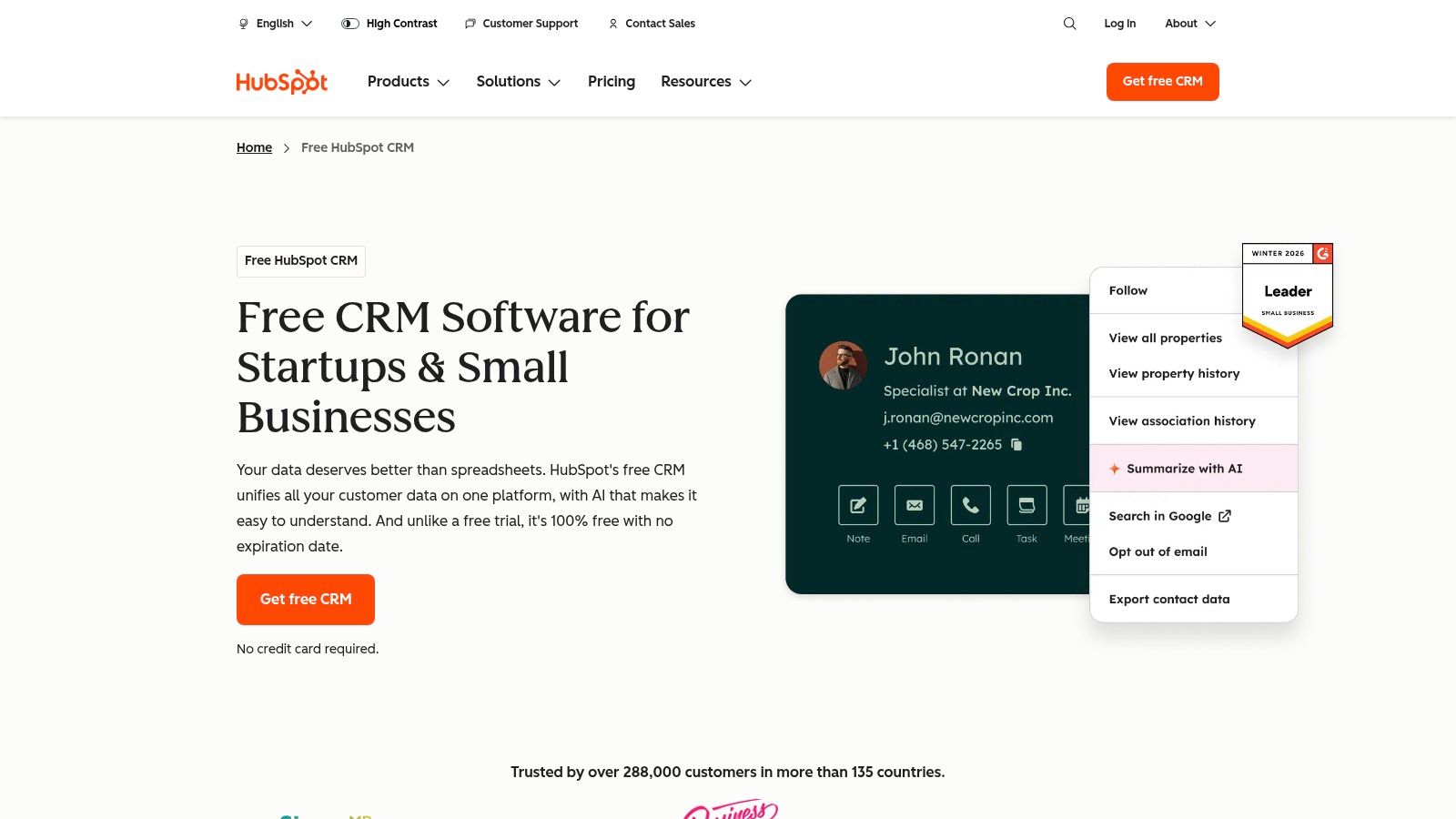
A common small-business scenario looks like this. New leads come in, someone logs a few notes, another person follows up from their own inbox, and within two weeks nobody is sure which version of the contact record is correct. HubSpot is one of the few free tools that usually cleans that up fast without forcing a long setup project.
That is its real advantage. HubSpot gives teams a usable shared system for contacts, companies, deals, tasks, and activity history, and it does it with less friction than many free CRMs. If a business is graduating from spreadsheets or scattered inbox notes, that simplicity matters more than having every advanced setting on day one.
Where HubSpot works best
HubSpot fits teams that need adoption first and customization second. I usually point owners here when they tell me, “We need one place to see the relationship history, but I do not want a month-long implementation.”
A few practical patterns stand out:
- Best fit: Small teams replacing spreadsheets, shared inbox habits, or founder-held contact lists
- Big strength: Clean contact records, clear activity timelines, and a user interface people can learn quickly
- Best use of the free tier: Centralizing relationship data and basic follow-up discipline
- Upgrade path: Good if you expect to add paid sales, service, or marketing tools later
The free version does have limits, and they matter. HubSpot is strong as a contact database and early-stage pipeline tool, but businesses often outgrow the free tier when they want more advanced automation, deeper reporting, or tighter marketing execution. That is the trade-off with many free CRMs. You get structure now, but you need a plan for what happens when the team wants more than record-keeping.
That planning is where this article’s angle matters. A free CRM should not be asked to do every job. In practice, many teams get better results by using HubSpot as the system of record, then pairing it with a separate workflow for prospecting and enrichment. If lead generation is the weak spot, this guide to lead generation best practices for consistent pipeline growth is a useful companion.
If you want a broader framework for structuring records and workflows around your contacts, this guide to a contact manager system is a useful companion.
For niche use cases, integration planning matters too. Franchise operators that expect more structured follow-up across locations may want to automate franchise lead follow-up via Zoho instead of forcing HubSpot to match a process it was not chosen for.
My practical rule is simple. Choose HubSpot if the main problem is consistency. Choose something else if the main problem is customization on a free plan.
2. Zoho CRM Free Edition
A common small-team scenario looks like this. One person owns sales, another handles follow-up, and a founder still wants visibility into every open deal. Zoho CRM Free Edition fits that setup better than many free contact tools because it gives you contacts, leads, deals, tasks, and activity tracking in one system for up to three users.
That matters if the business has already outgrown a simple contact list.
Zoho’s free plan is a practical option for teams that expect their process to get more structured over time. The appeal is not just record storage. It is that you can start with basic contact management, then build around the broader Zoho stack if you later need campaigns, service workflows, or finance tools. For some businesses, that reduces the pain of switching systems a year from now.
The trade-off is setup effort. Zoho gives you more control over fields, layouts, and process rules than simpler free tools, but that flexibility asks for cleaner decisions upfront. If the team has no agreed sales stages, weak data habits, or no owner for CRM cleanup, Zoho can become messy fast.
Here is the practical breakdown:
- Best for small teams with defined roles: Three free users is enough for many founder-led sales teams
- Stronger fit for process-minded businesses: Customization helps when you already know how leads should move
- Weaker fit for low-discipline adoption: If people will only update records occasionally, the extra options become noise
I recommend Zoho to businesses that want a free CRM without boxing themselves into a lightweight system too early. It suits companies that are willing to spend time on setup in exchange for more control later.
It also works well as the system of record while another tool handles top-of-funnel prospecting. That is an important distinction in any honest review of contacts management software free options. Free CRMs rarely solve lead generation on their own. If the team still needs a repeatable way to find and qualify new opportunities, these lead generation best practices for consistent pipeline growth are a useful complement.
Visit Zoho CRM Free Edition.
3. Bigin by Zoho CRM
Bigin exists for people who don’t want a full CRM project. That’s its appeal. It’s smaller, faster to understand, and more pipeline-first than full Zoho CRM.
For solo founders, consultants, and very small service teams, Bigin often feels like the first system they’ll keep updated. You import contacts, define a simple pipeline, add tasks, and move deals through stages without staring at a crowded admin panel.
Why some teams prefer Bigin
Bigin works when your process is straightforward and your sales cycle is visible. If you mostly need to know who came in, where they are, and who owns the next action, it does the job.
Use Bigin when you need structure fast, not when you need a deep operations platform.
The limitation is that simplicity cuts both ways. Once you want more advanced customization, broader integration depth, or a more complex data model, Bigin starts to feel narrow. That isn’t a flaw. It just means it’s intentionally built for lightweight workflows.
This is one of the better contacts management software free options for teams graduating from spreadsheets but not ready for a full RevOps stack. It’s also a practical match for businesses investing in better lead intake, since contact organization only works if new inquiries arrive in a structured way. For that side of the equation, these lead generation best practices help.
Visit Bigin by Zoho CRM.
4. Freshsales Free
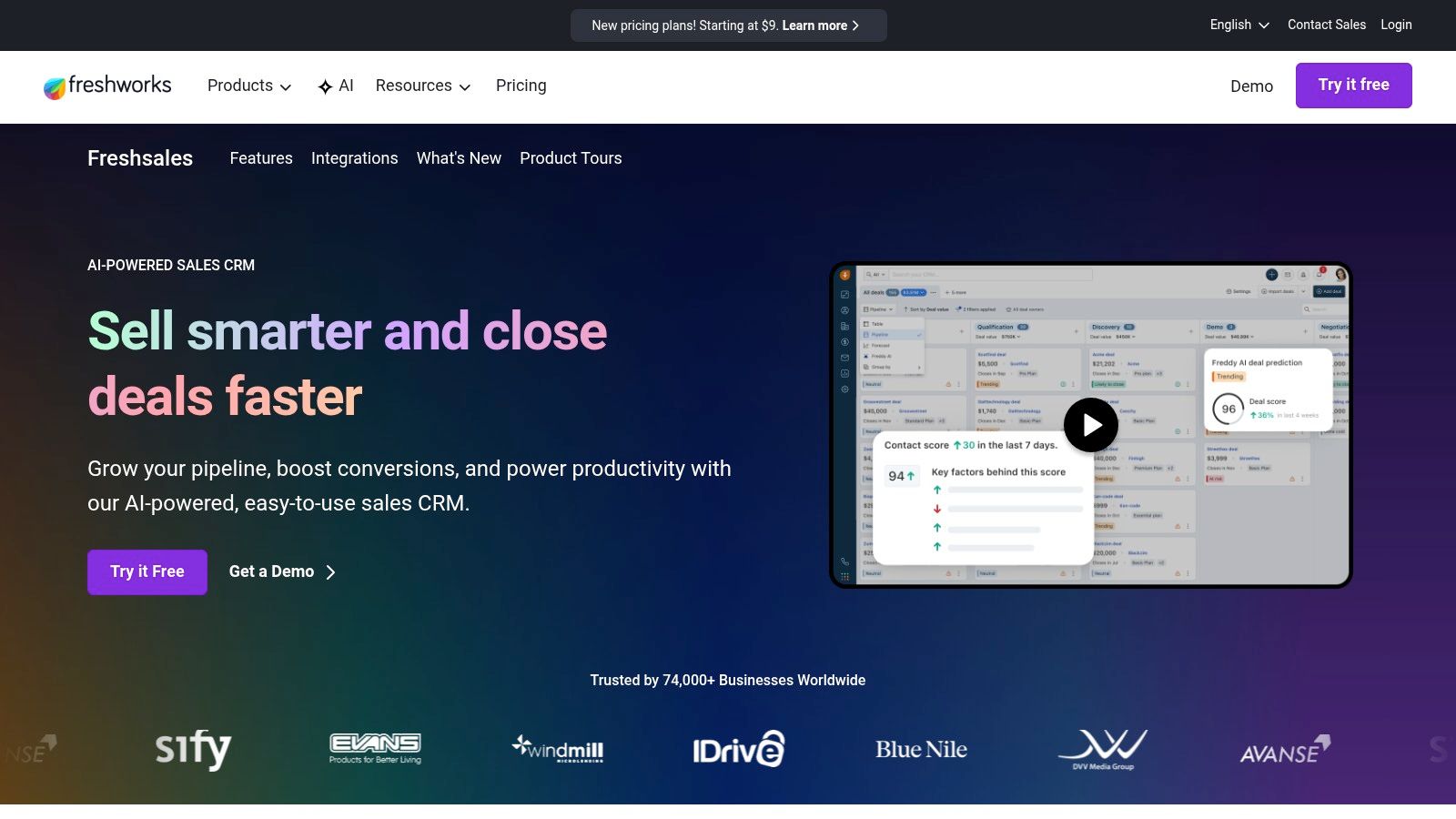
Freshsales feels modern in a way some CRMs don’t. The interface is approachable, the pipeline view is easy to scan, and it usually lands well with teams that want something more sales-focused than a generic contact database.
Its free plan covers the core job: contacts, accounts, deals, tasks, notes, and basic reporting. For a small team that wants a clearer selling workflow without a lot of setup friction, that’s enough to be useful.
What it gets right
Freshsales is strongest when the team wants a CRM that feels tied to day-to-day selling instead of just storage. The visual pipeline helps reps understand what needs attention, and the Freshworks ecosystem gives you options if chat, service, or marketing tools come later.
- Easy onboarding: New users tend to understand it quickly
- Solid sales orientation: Better for active deal management than passive record-keeping
- Good ecosystem fit: Helpful if you already use Freshworks products
The main drawback is that many of the features that make Freshsales feel powerful in demos sit in paid tiers. That’s common in free CRM plans, but it matters more here because the platform’s best story is around a wider sales workflow, not just contact storage.
Cloud and mobile access are also part of the broader CRM shift. CRM adoption data summarized by SLT Creative’s CRM statistics article notes that 87% of CRM systems are cloud-based, and 70% of businesses actively use mobile CRM systems. That context helps explain why tools like Freshsales prioritize accessible, browser-based workflows.
Visit Freshsales.
5. Bitrix24
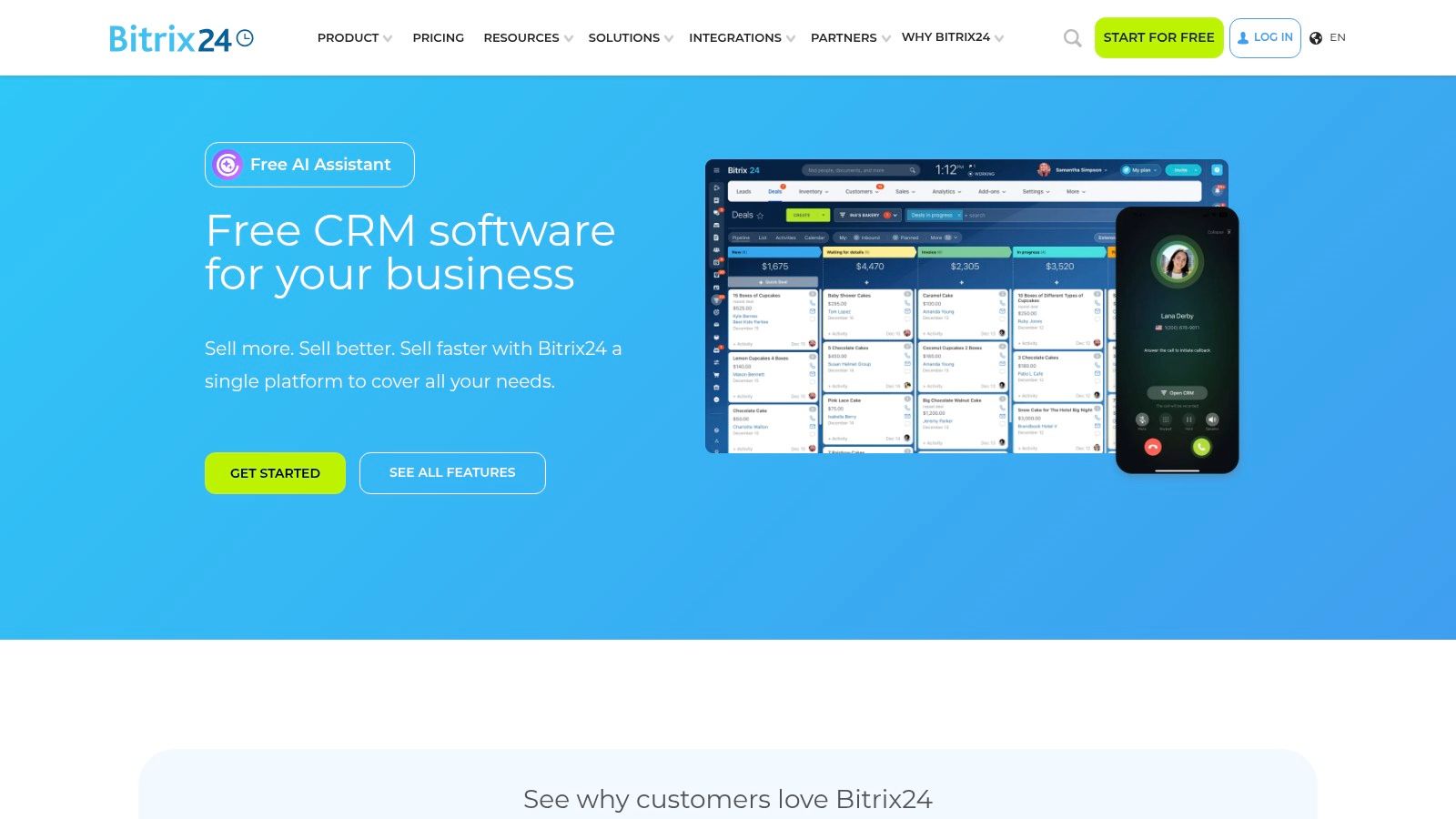
Bitrix24 is what you choose when “contact manager” really means “we also need tasks, chat, projects, and maybe a website tool.” It’s broad. Sometimes impressively broad. Sometimes distractingly broad.
The headline benefit is generous scope. Bitrix24’s free plan supports unlimited users and unlimited records, and by 2026 it had amassed over 12 million users according to the Bitrix24 free online contact management page. For teams that don’t want separate systems for collaboration and CRM, that’s a serious advantage.
What works and what doesn’t
Bitrix24 can be a bargain in functional terms because you get CRM, communication, and tasking in one place. If you have a distributed team or a company that likes “one system for everything,” that’s appealing.
But there’s a cost. The interface can feel busy, and new users often need guidance on what matters versus what’s optional. If you only need simple contact management, Bitrix24 can feel like using a multitool to open a letter.
Field note: Bitrix24 works best when one person owns setup and keeps the workspace disciplined. Without that, the free plan’s breadth becomes noise.
There’s another concern that many comparison posts skip. Free platforms can create privacy and compliance questions, especially for businesses handling sensitive lead data. That matters for clinics, contractors, agencies with international leads, and anyone collecting personal details through forms or chat.
Visit Bitrix24.
6. Capsule CRM
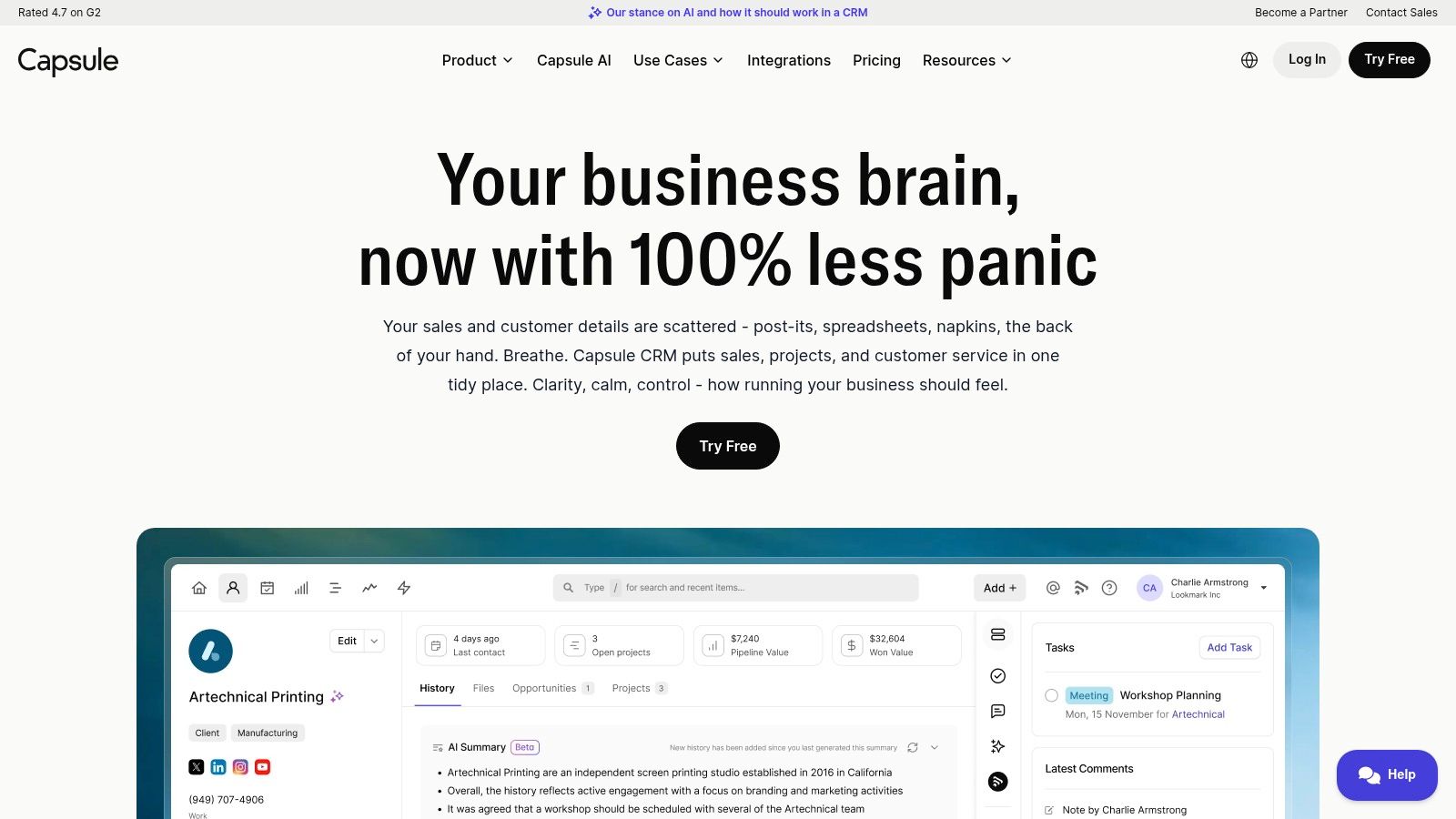
A common small-team problem looks like this. Client details live in email, meeting notes sit in someone’s notebook, and follow-up depends on memory. Capsule CRM solves that specific mess better than many free tools because it stays focused on contacts, companies, activity history, and a simple sales pipeline.
That focus is its advantage.
Capsule tends to work well for relationship-led businesses. Consultants, agencies, accountants, recruiters, and service firms often need a reliable record of conversations more than they need advanced automation. In those cases, a lighter CRM usually gets adopted faster and maintained better.
The practical appeal of Capsule is low admin overhead. Teams can get it running without a long setup project, and non-technical users usually understand it quickly. I put real weight on that because free software only helps if the team keeps using it after the first week.
The trade-off is clear. Capsule’s free plan is narrow by design. You get a simple system for two users with limits on how much you can store, so it fits early-stage teams and owner-led businesses better than growing sales departments. If you expect complex reporting, multi-step workflows, or broad automation, you will outgrow it sooner than tools like HubSpot or Zoho.
That limitation does not make it a poor choice. It makes it a specific choice.
For teams pairing a free CRM with modern prospecting tools, Capsule can still fit a workable stack. LeadBlaze can help generate and enrich lead lists, while Capsule handles relationship history and follow-up once the contact is worth tracking. That division of labor makes sense if you want a clean CRM without asking it to do every job.
Here is the honest fit check:
- Best for: Small relationship-driven teams that want clarity and fast adoption
- Less suitable for: Teams that need deep automation, advanced dashboards, or larger free-plan capacity
- Main benefit: Clean contact history with less setup friction
If your team keeps saying, “We just need one dependable place to track people and conversations,” Capsule is a credible free option.
Visit Capsule CRM.
7. Salesforce Free Suite
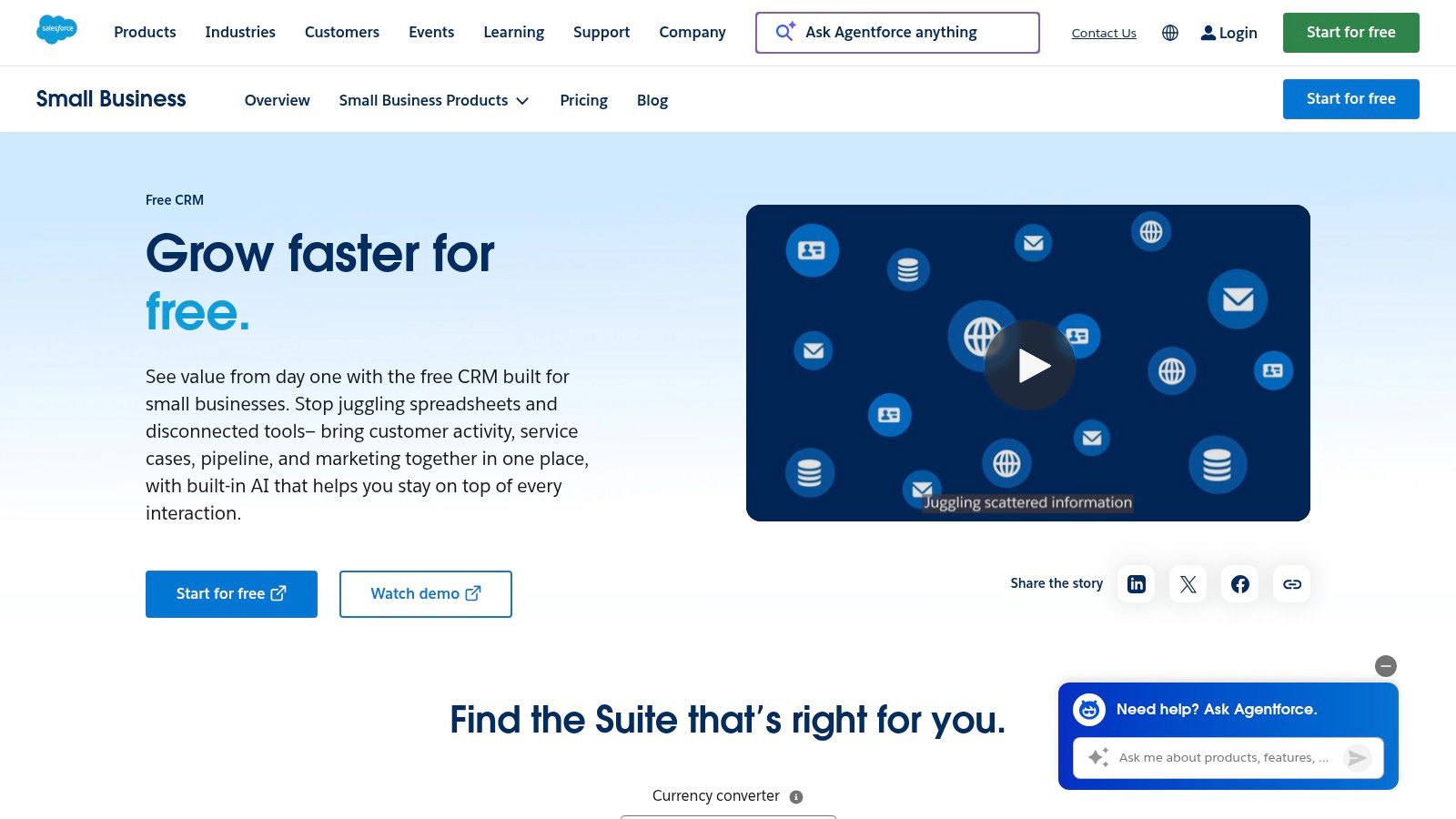
A common small-team scenario goes like this. The founder wants a free CRM today, but also wants to avoid a painful platform switch a year from now. Salesforce Free Suite appeals to that buyer because it gives you a stripped-down entry point into a system many companies already recognize.
The value is not generosity. It is familiarity and upgrade continuity.
You get the core records that matter for contact management, including leads, accounts, contacts, and opportunities, with a few adjacent tools such as basic case handling and email features. For a two-person team that expects to standardize on Salesforce later, that can be enough to start building cleaner sales habits without buying into a larger rollout on day one.
The trade-off is tight capacity. Two-user limits change the recommendation quickly. If sales, support, and an owner all need access, the free version stops fitting almost immediately. That makes Salesforce Free Suite less flexible as a broad free option than some of the other tools in this list.
I usually recommend it only in a specific situation. The business already has a strong reason to stay in the Salesforce orbit, whether that is customer preference, internal experience, or a likely move to the paid product later. In that case, the free tier works as a low-risk starting point. If you are choosing strictly on free-plan value, there are easier places to start.
It also pairs well with a split-stack approach. LeadBlaze can handle lead generation and enrichment, while Salesforce Free Suite stores the contacts your team has decided are worth active follow-up. That setup keeps the free CRM focused on relationship tracking instead of forcing it to do prospecting work it was never designed to handle.
Here is the honest fit check:
- Best for: Very small teams that expect to move into paid Salesforce later
- Less suitable for: Teams that need more than two users or want the most generous free allowance
- Main benefit: Early process alignment inside the Salesforce ecosystem
Visit Salesforce Free Suite.
8. Odoo CRM One App Free
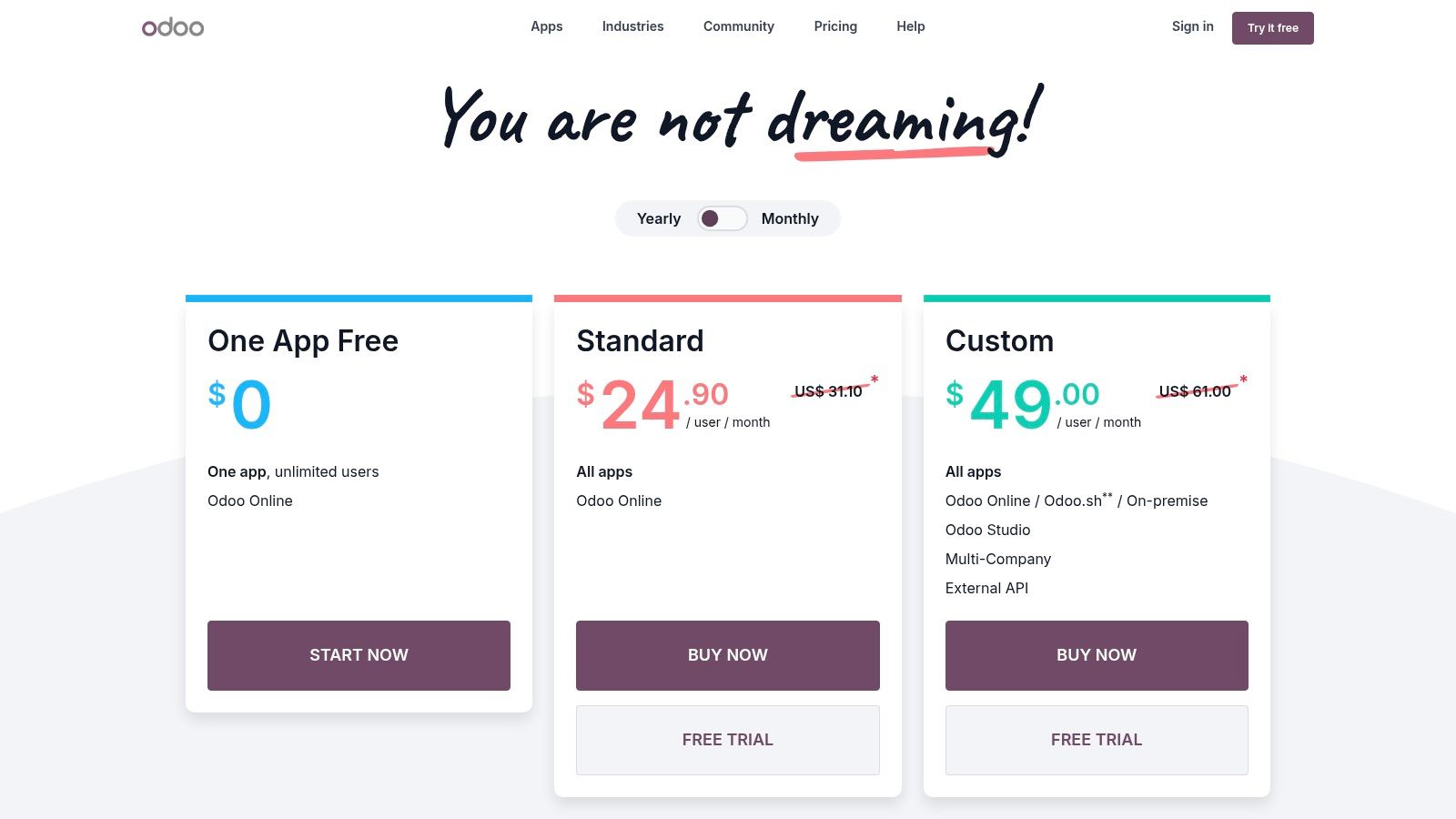
Odoo is a smart choice for operators who think in systems, not just contacts. The One App Free model lets you use a single app such as CRM with unlimited users on Odoo Online, and that alone puts it in a different category from seat-limited free tools.
For operations-heavy businesses, Odoo is appealing because CRM can sit inside a much larger operational stack. If inventory, accounting, quoting, or field operations might eventually matter, Odoo gives you a coherent path.
Why Odoo can feel heavier than a normal free CRM
Odoo often feels more ERP-like than lightweight CRM tools. Some teams love that because it signals structure and extensibility. Others open it and immediately feel they’ve signed up for more system than they wanted.
Odoo is excellent when your contact database is only one piece of a larger process map.
The free plan’s biggest catch is simple. The moment you need a second app, you move beyond the one-app-free setup. So Odoo is best when you’re very clear that contact and pipeline management are the immediate priorities.
This can still be one of the strongest contacts management software free choices for process-minded teams. Just go in knowing you’re choosing a platform with operational ambition, not a lightweight address book with a pipeline bolted on.
Visit Odoo CRM pricing.
9. SuiteCRM
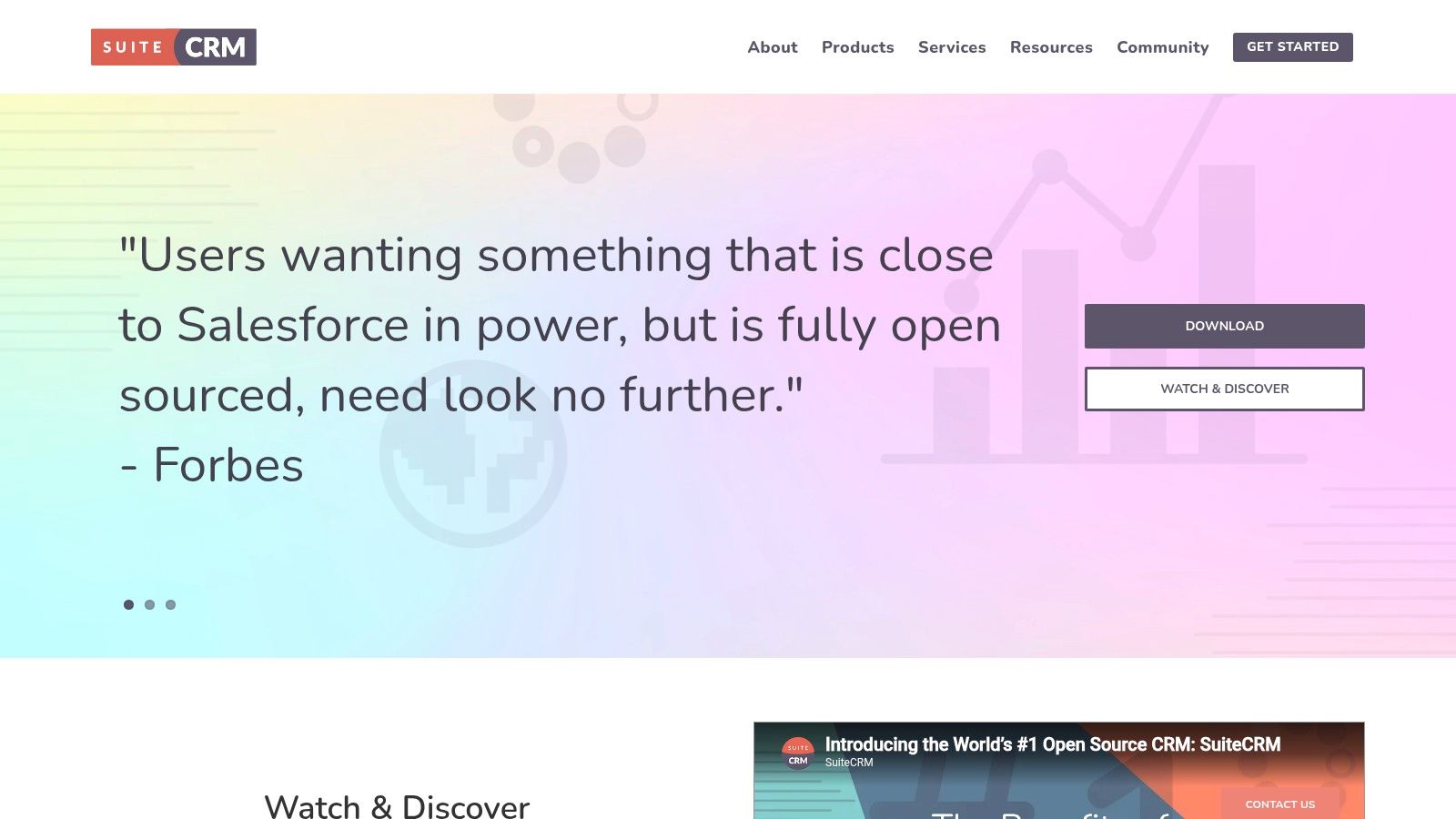
SuiteCRM is the outlier on this list because it isn’t a typical SaaS free plan. It’s open-source and self-hosted, which changes the whole equation.
If you have technical resources and care about data ownership, extensibility, or avoiding per-user licensing, SuiteCRM deserves attention. You can shape the data model, control hosting, and build around your own requirements. For some organizations, that’s the right long-term decision.
Who should avoid it
Most small businesses shouldn’t start here. Not because SuiteCRM is weak, but because self-hosting creates work. Someone has to handle setup, maintenance, updates, security, backups, and the practical reality of keeping the system usable.
That said, there are legitimate reasons to choose it:
- You want control: Data ownership matters more than convenience
- You have IT support: In-house or contracted technical help is available
- You need customization: Off-the-shelf SaaS CRMs don’t match your process well
Free SaaS tools aren’t always ideal for organizations with stricter compliance demands. The underserved angle in this category is privacy. Concerns around data handling, hosting, and auditability can outweigh feature generosity for some businesses. SuiteCRM’s self-hosted model gives you more control over those decisions than most free hosted tools.
Visit SuiteCRM.
10. Google Contacts
A lot of small teams start in the same place. New leads arrive through Gmail, a founder saves names in their phone, an assistant adds labels, and everyone assumes they have a workable system. It holds together for a while. Then follow-up depends on memory, ownership gets fuzzy, and nobody can see which contacts are active opportunities.
Google Contacts works best as a shared address book, not as a sales operating system. That distinction matters before you commit time to setting it up.
For a solo consultant, office admin, or very small team already living inside Google Workspace, it can be a practical free option. Contact sync is reliable, search is fast, labels are useful, and duplicate cleanup is better than many people expect. If the job is to keep names, emails, phone numbers, and basic notes organized, Google Contacts handles it with very little setup.
The trade-off is structure.
Google Contacts does not give you a real pipeline, task discipline, or team accountability. You can store people. You cannot manage a repeatable sales process well inside it. That is usually the point where businesses start patching the gaps with spreadsheets, calendar reminders, and inbox flags.
Here is where it tends to fit best:
- Personal or founder-led contact management: Good for keeping a clean master list without learning a CRM
- Admin and operations use cases: Useful for internal directories, vendor contacts, and client records that do not need deal tracking
- A support layer beside another tool: Handy as the contact source tied to Gmail and Android, even if selling happens elsewhere
The honest limitation of free tools shows up clearly here. Google Contacts is free because it stays narrow. That can be a strength if you want simplicity. It becomes a constraint if you need lead stages, assignment, reminders, reporting, or shared visibility across a sales team.
For lead generation, that narrow scope matters. Google Contacts can store the people your team finds, but it does not help much with finding them, enriching records, or deciding who to contact next. Teams that want to keep costs down sometimes pair a basic contact store with an AI prospecting tool like LeadBlaze, then move qualified leads into a fuller CRM only when process and volume justify it. That approach is often more practical than forcing Google Contacts to do CRM work it was not built for.
Visit Google Contacts.
Top 10 Free Contact Management Software Comparison
| Product | Core features | UX & ease | Value proposition | Best for | Price / free limits |
|---|---|---|---|---|---|
| HubSpot CRM | Contacts, companies, deals, tasks, basic email, dashboards, app marketplace | Polished UI, easy onboarding | Generous free core CRM; smooth upgrade path into HubSpot Hubs | Small to growing businesses wanting an easy scale path | Free core CRM; advanced automation/reporting paid; marketing contact limits apply |
| Zoho CRM (Free Edition) | Contacts, leads, deals, tasks, basic workflows, mobile | Powerful feature set but can feel complex | Free for small teams + deep Zoho ecosystem for expansion | Small teams on a budget planning growth into Zoho | Free up to 3 users; many integrations/reporting on paid plans |
| Bigin by Zoho CRM | Pipeline-first CRM, email, web forms, mobile, simple automation | Lightweight, fast setup | Quick time-to-value moving from spreadsheets to pipeline | Solo founders & very small sales teams | Free tier limited (e.g., single pipeline/user); paid for more features |
| Freshsales (Freshworks CRM) – Free | Contacts, accounts, deals, visual pipeline, basic reporting | Friendly, modern UI; easy onboarding | Modern CRM with Freshworks app integrations as you upgrade | Small teams wanting a simple, modern tool | Free tier available; automation and advanced reports need paid plans |
| Bitrix24 | CRM, deals, quotes, tasks, chat, website/landing builder | Broad functionality but UI can be busy | All-in-one workspace with generous free user access | Teams needing CRM + collaboration tools on tight budget | Generous free plan (unlimited users) but storage limits (e.g., 5 GB); paid for advanced |
| Capsule CRM | Contacts, organizations, activity tracking, lightweight pipelines | Tidy interface; minimal learning curve | Simple, focused CRM with a clear upgrade path | SMBs that want a clean, easy CRM | Free limited plan; paid tiers for more capacity and automation |
| Salesforce Free Suite | Leads, accounts, contacts, opportunities, simple case mgmt | Familiar Salesforce flow; lighter free experience | Free entry to Salesforce ecosystem; easy migration to paid plans | Small teams planning to scale into Salesforce | Free for up to 2 users; feature set limited on free tier |
| Odoo CRM (One App Free) | Contacts, pipeline, activities, quoting; open-source option | Flexible but can feel “ERP-like” to set up | One free app with unlimited users; grows into ERP suite | Teams needing unlimited users + path to ERP features | One App Free (unlimited users); adding apps moves off free tier |
| SuiteCRM | Contacts, opportunities, workflows, dashboards; modular/customizable | Self-hosted; requires IT and maintenance | No license fees, full data ownership and extensibility | Organizations with IT resources that need control | Free open-source software; hosting/maintenance costs apply |
| Google Contacts | Contact records, labels, dedupe, import/export, cross-device sync | Extremely simple; minimal setup | Zero-cost shared address book tightly integrated with Gmail | Individuals or teams needing basic shared contacts | Free (part of Google account); not a full CRM |
Your Next Step Choose and Commit
The best free contacts management software isn't the one with the longest feature page. It's the one your team opens every day, updates without being chased, and trusts as the source of truth. That usually means choosing for usability first, then depth second.
For most small businesses, the shortlist is pretty clear. HubSpot is the easiest broad recommendation when you want quick adoption and a polished experience. Zoho CRM makes sense when you want more room to grow inside one ecosystem. Bigin is a better fit than full Zoho for simple pipelines and solo operators. Freshsales is good for teams that think in deals and active selling. Capsule is ideal when relationship history matters more than automation. Bitrix24 is powerful if you want CRM plus collaboration in one place, but it needs discipline. Odoo and SuiteCRM are more specialized choices for process-heavy or technical environments. Google Contacts is fine as a lightweight contact repository, but it won't replace a true CRM.
Free plans do come with predictable friction. User caps, limited automation, lighter reporting, and upgrade nudges are part of the model. That's normal. Don't treat free as a permanent strategy if your sales process is growing. Treat it as a low-risk way to build contact discipline, define ownership, and stop losing leads in the shuffle.
There's also a gap most businesses discover after they pick a CRM. Storing contacts is only half the job. You still need a reliable way to capture and qualify those contacts from your website. That's where modern AI tools can complement a free CRM instead of replacing it. LeadBlaze, for example, is positioned as a website AI sales assistant that engages visitors, answers questions, and captures lead details for follow-up. In practice, that makes it relevant when your CRM is organized but your inbound lead intake is still relying on static forms.
A clean CRM fixes back-end chaos. Better lead capture fixes front-end leakage.
If you're stuck between tools, make the decision simpler. Pick the platform that matches your team size, your tolerance for setup, and the way you sell today. Import your core contacts. Define one pipeline. Set rules for notes and follow-up. Then use it consistently for a month before you second-guess the choice.
A well-run contact system is one of the simplest operational upgrades a small business can make. If you want more options in the same category, this roundup of free CRM solutions for startups is also worth reviewing.
If your CRM is ready but your website still depends on static forms, LeadBlaze can help you capture and qualify visitors in real time, then hand cleaner lead data into the system you already use. It's a practical add-on for small businesses, agencies, and service teams that want more structured inbound conversations without adding another heavy workflow.